Stripchat Not Working? Fixes for Login, Payment and Video Problems
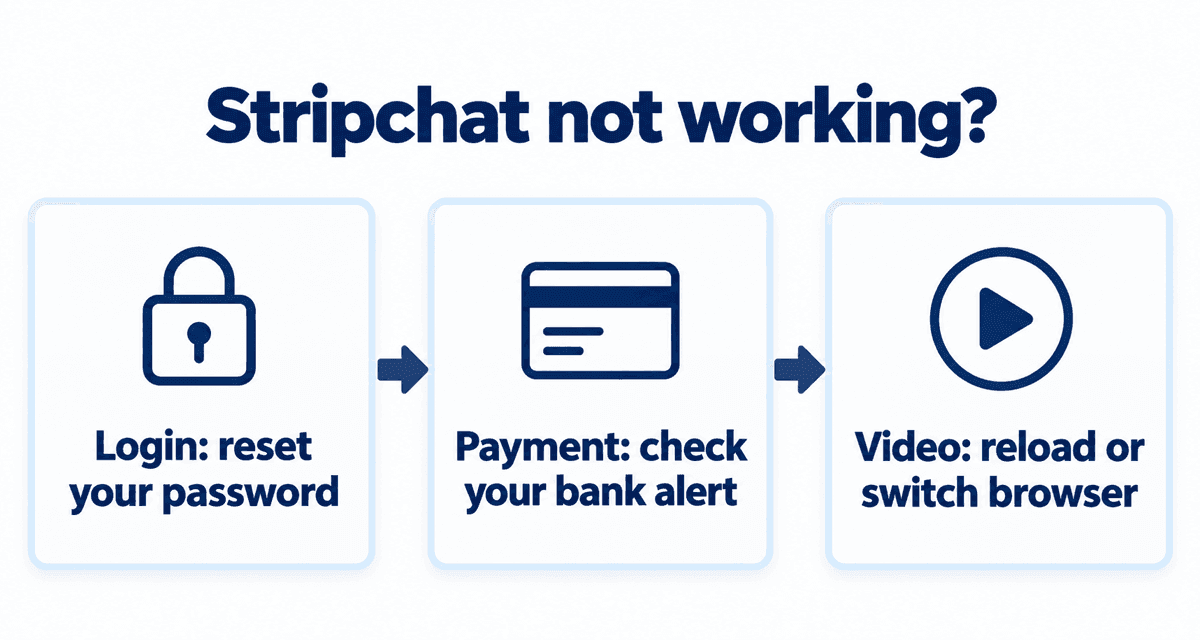
Most Stripchat problems fall into three groups: logging in, paying for tokens, and getting video to play. This guide lists the usual causes in each group and what to try, most likely fix first.
Last checked: September 30, 2026
On this page
Cannot log in
- Check that you are using the right username or email, and that caps lock and autofill are not adding the wrong password.
- If you signed up with Google, use the Google login button instead of the password field.
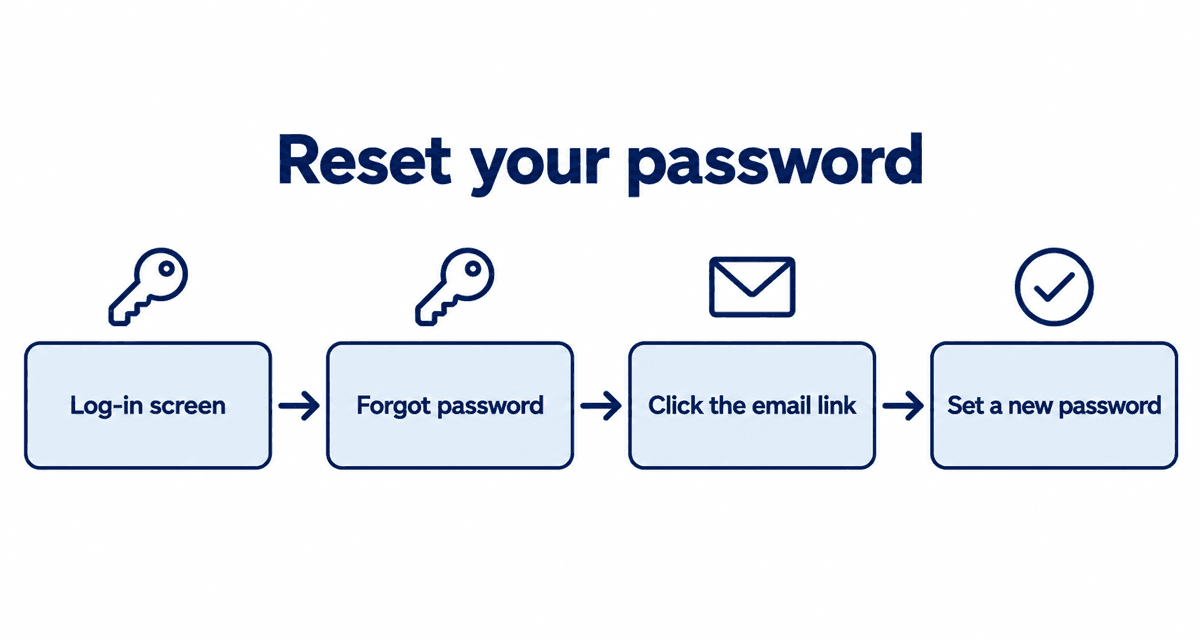
- Tap Forgot password on the login screen and follow the link in the email to set a new one.
- No email? Check your spam folder and make sure the address is the one you signed up with.
- Still stuck? Try another browser, then contact Stripchat support.
Card declined when buying tokens
| Likely cause | What to try |
|---|---|
| Typo in card number, expiry or name | Re-enter the details carefully. |
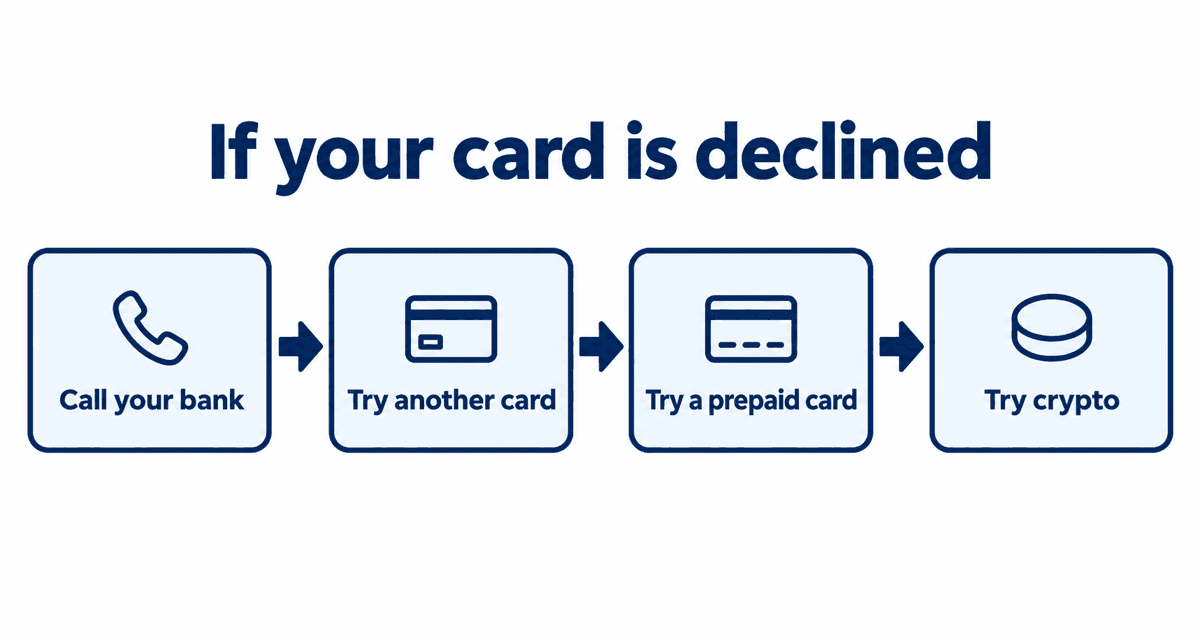
| Your bank blocked a foreign or adult-site payment | Look for a fraud alert from your bank, confirm it was you, then try again. |
| 3D Secure check failed | Complete the check in your banking app or by text message. |
| Limit or balance too low | Common with debit and prepaid cards; use another card. |
| Card type not accepted | Try a different card, Apple Pay, Google Pay or crypto. |
Several failed attempts in a row can make your bank freeze the card for a while. After two or three failures, wait or switch payment methods.
Video will not load or has no sound
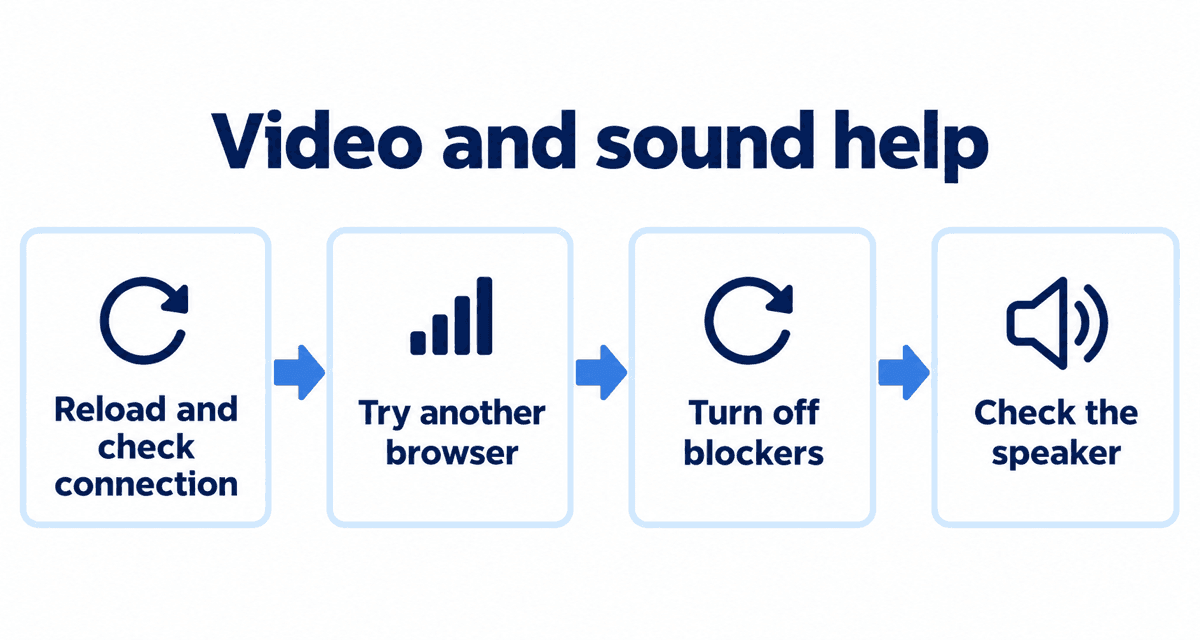
- Reload the page and check your connection; switch to Wi-Fi on a phone.
- Update your browser, or try another one.
- Turn off ad blockers or strict privacy extensions for Stripchat, which can block the video player.
- No sound? Tap the speaker icon on the video; browsers often start video muted.
- The model may have just gone offline or into a private show. Pick someone from the live now list.
Cannot find a model
Models can block viewers from certain countries, so someone may not appear where you are. They may also simply be offline. Each profile on this site shows when a model usually streams.
Charged but no tokens, or charged twice
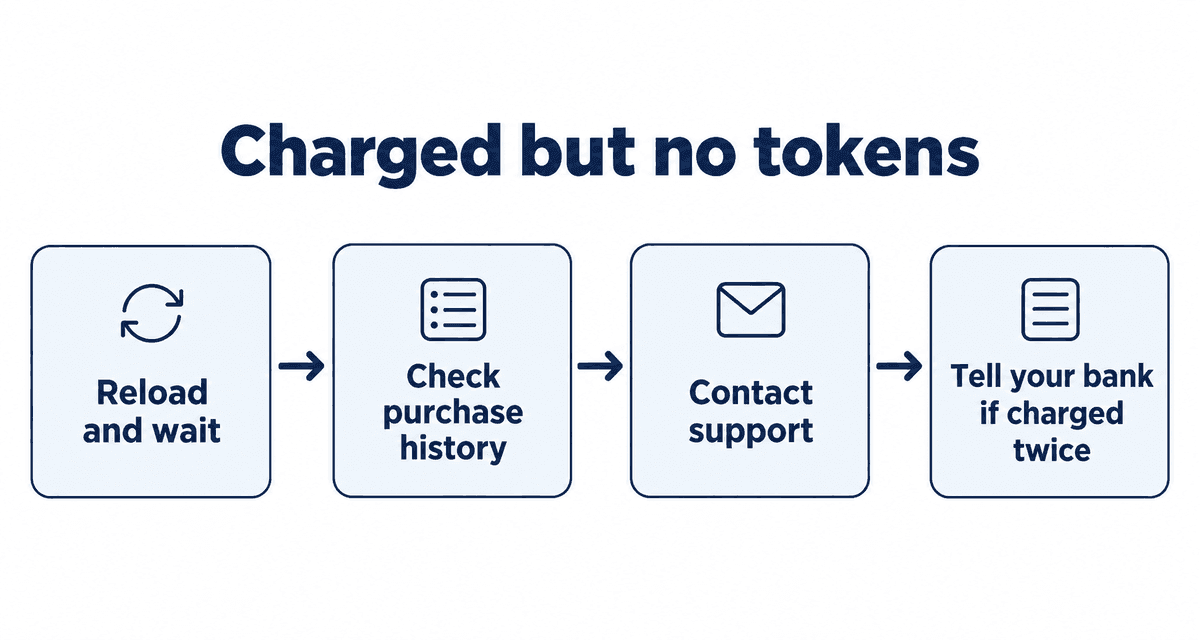
- Reload the page, wait a few minutes and check your token balance again.
- Check your purchase history for the payment.
- If the tokens are still missing, contact support from the menu at the bottom of the page with the date, amount and the name on your statement.
- If you were charged twice, tell your card issuer too.
A declined card can leave a temporary hold on your statement. It disappears on its own within a few days.
Browser settings and account problems
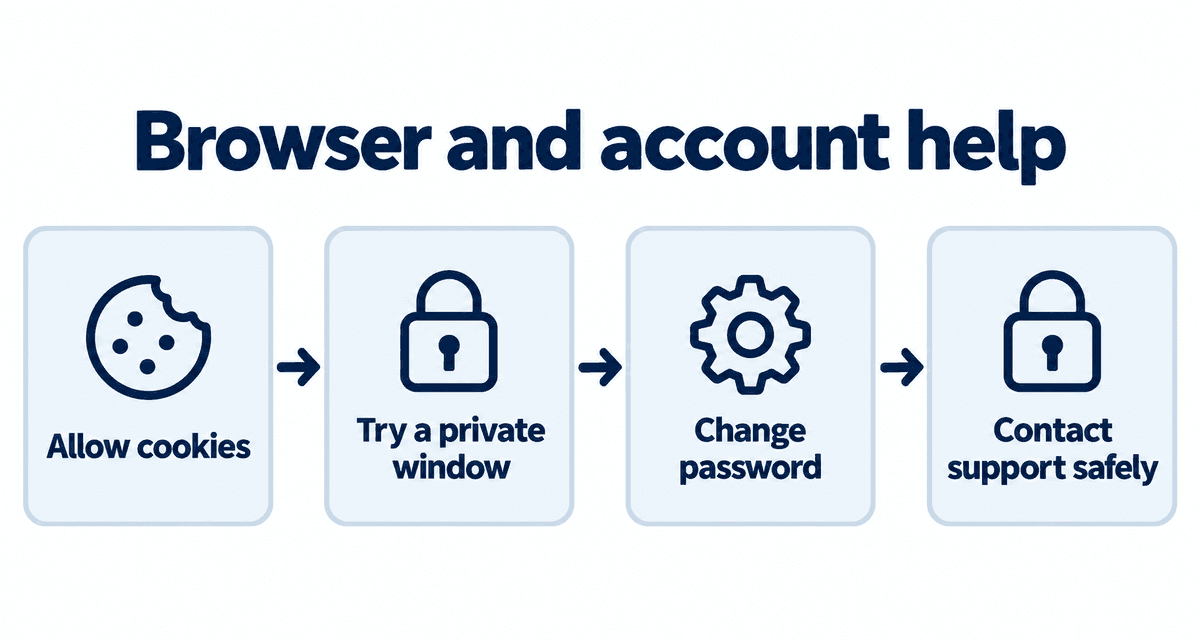
- Logging in needs cookies. If your browser blocks them, allow them for Stripchat.
- Try a private window to rule out old saved data, and switch off any VPN.
- If you see logins or purchases you did not make, change your password at once, and anywhere else you use it.
- If your account was suspended, the reason is sent to your email. When contacting support, give your username, email and what happened, never your password.
Error messages and what they mean
| Message | Meaning | What to do |
|---|---|---|
| Declined / Do not honor | Your bank stopped the payment | Ask your bank to allow the payment, or use another card |
| Insufficient funds | Not enough balance or credit | Top up, or pick a smaller pack |
| 3D Secure failed | The bank's identity check did not complete | Set up your card's online verification and retry |
| Incorrect password | Typo, or caps lock | Check caps lock, then reset the password |
| Account suspended | A rules breach was found | Read the email you were sent, then contact support |
Several failed card attempts in a row can make your bank flag the card. After two failures, switch method rather than retrying.
What to avoid if you are locked out
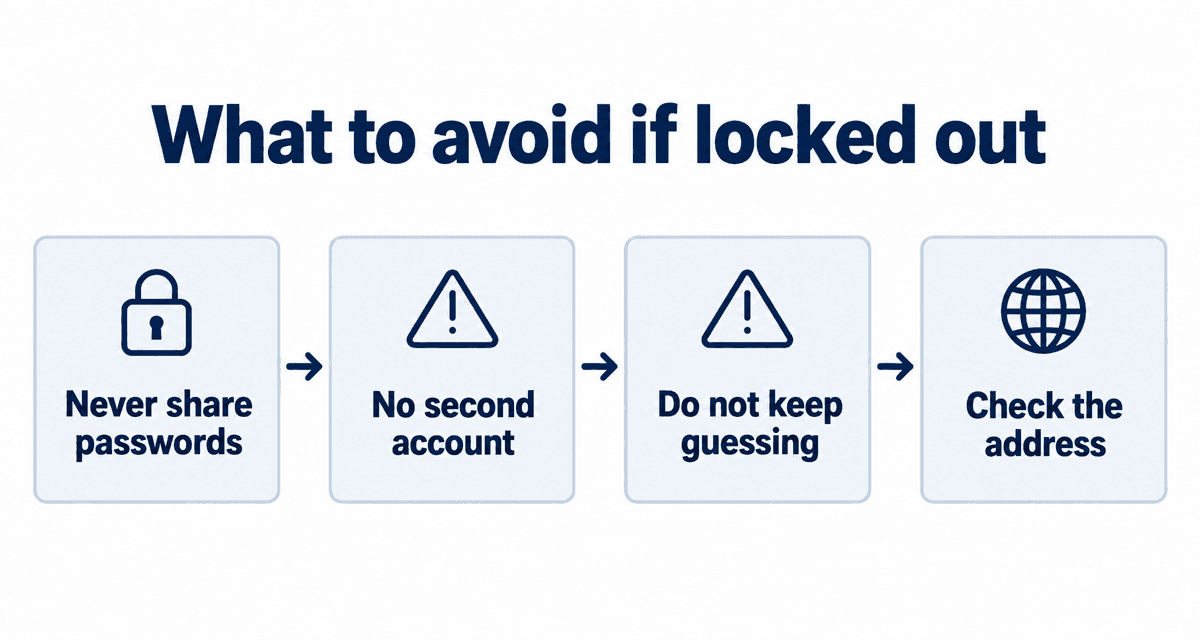
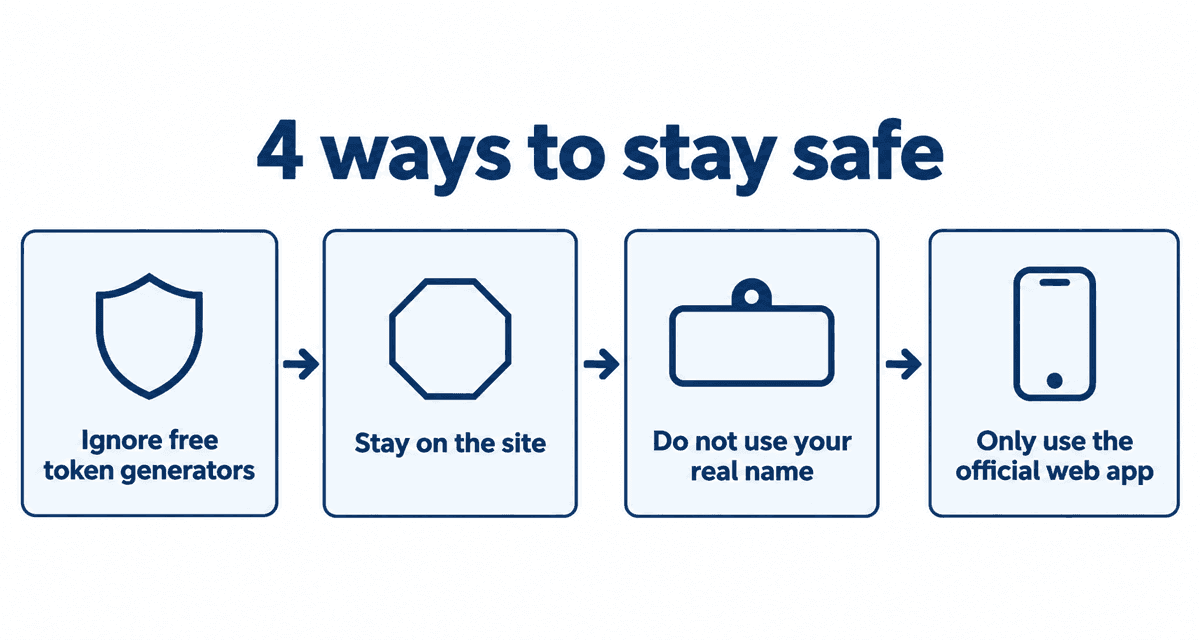
- Never give your password to anyone offering to log in for you.
- Do not open a new account with the same email; it can make the old one harder to recover.
- Do not try dozens of passwords in a row; you will be locked out for a while.
- Check the address is stripchat.com before typing your password.
If the reset email does not arrive, check spam, wait ten minutes and send it again. If it still does not come, you may have signed up with a different address.
Live cams right now
These streams are live now. Tap one to open it on Stripchat and watch free.
FAQ
I forgot my Stripchat password.
Tap Forgot password on the login screen and follow the link in the email to set a new one.
Why was my card declined?
Most often your bank blocked a foreign payment or a 3D Secure check failed. Check for a fraud alert from your bank.
Why is the video black?
Reload, update your browser and turn off ad blockers for Stripchat. The model may also have gone offline or private.
I was charged but got no tokens.
Reload, wait a few minutes and check your purchase history. If they are still missing, contact support with the date, amount and the name on your statement.
How do I contact Stripchat support?
Use the support link in the menu at the bottom of any page. Give your username, email and what happened, never your password.