How to Get Started on Stripchat: Free Sign-Up and First Steps
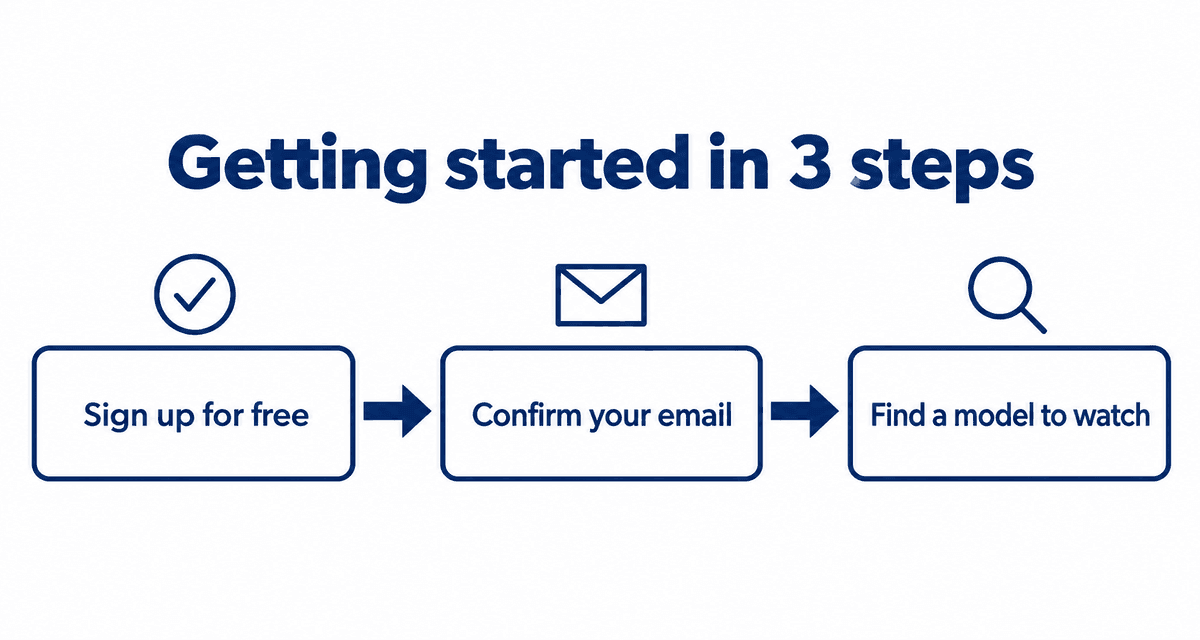
Stripchat is a live cam site with thousands of models streaming from all over the world. You can start watching without an account, but a free account removes the viewing time limit and lets you chat. You only pay if you choose to buy tokens. This guide walks through signing up, the first things to set up, and finding someone to watch.
Last checked: September 30, 2026
On this page
What you get free and with tokens
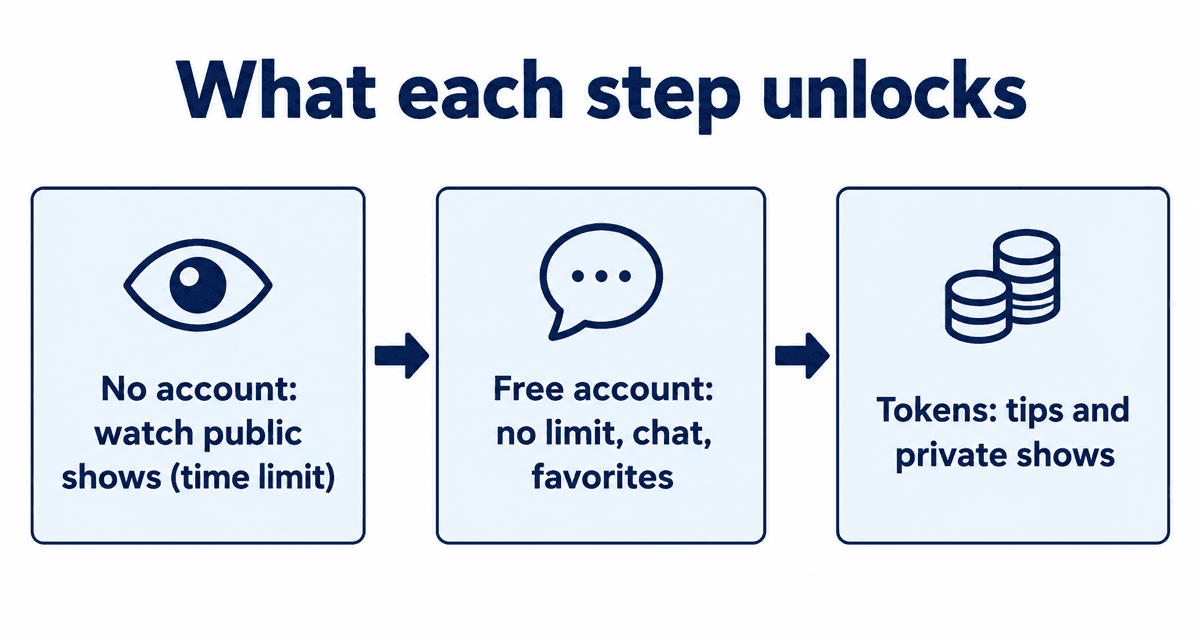
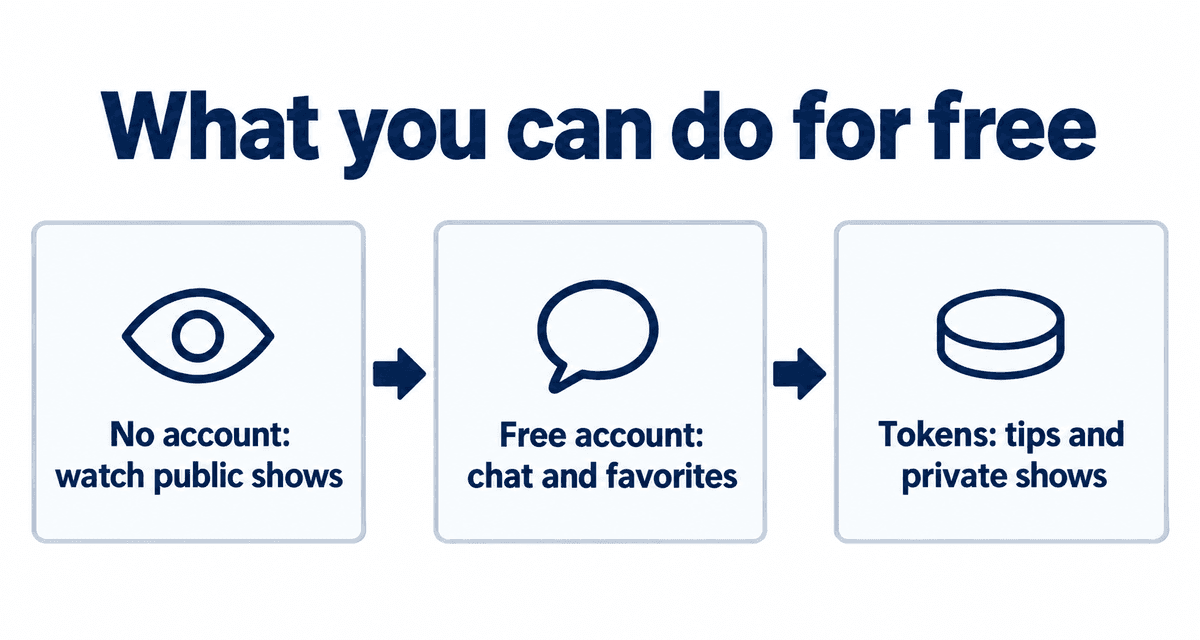
| What you can do | No account | Free account | After buying tokens |
|---|---|---|---|
| Watch public shows | Yes, with a time limit | Yes, no time limit | Yes |
| Chat with models | No | Yes | Yes |
| Save favorites | No | Yes | Yes |
| Enter free token giveaways | No | Yes | Yes |
| Send tips | No | Needs tokens | Yes |
| Private shows | No | Needs tokens | Yes |
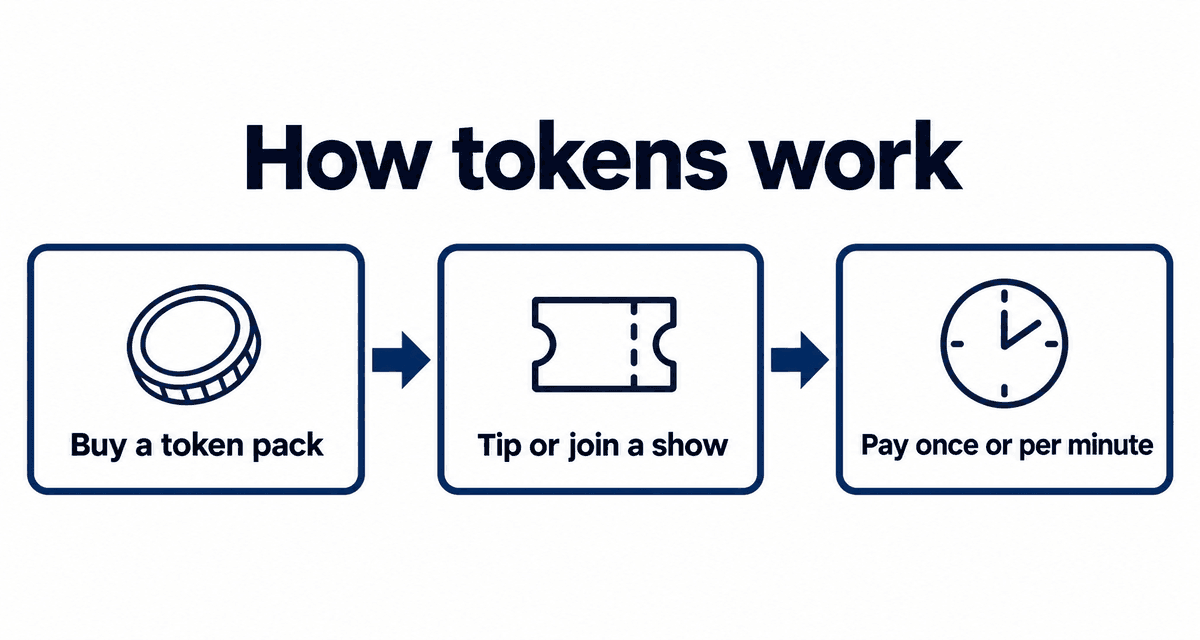
Without an account, there is a limit on how long you can keep watching one show (about 60 minutes in September 2026). A free account costs nothing and does not require a card. Tokens, only needed for tips and paid shows, cost about 8.5 to 11 US cents each; see Stripchat tokens explained.
Signing up
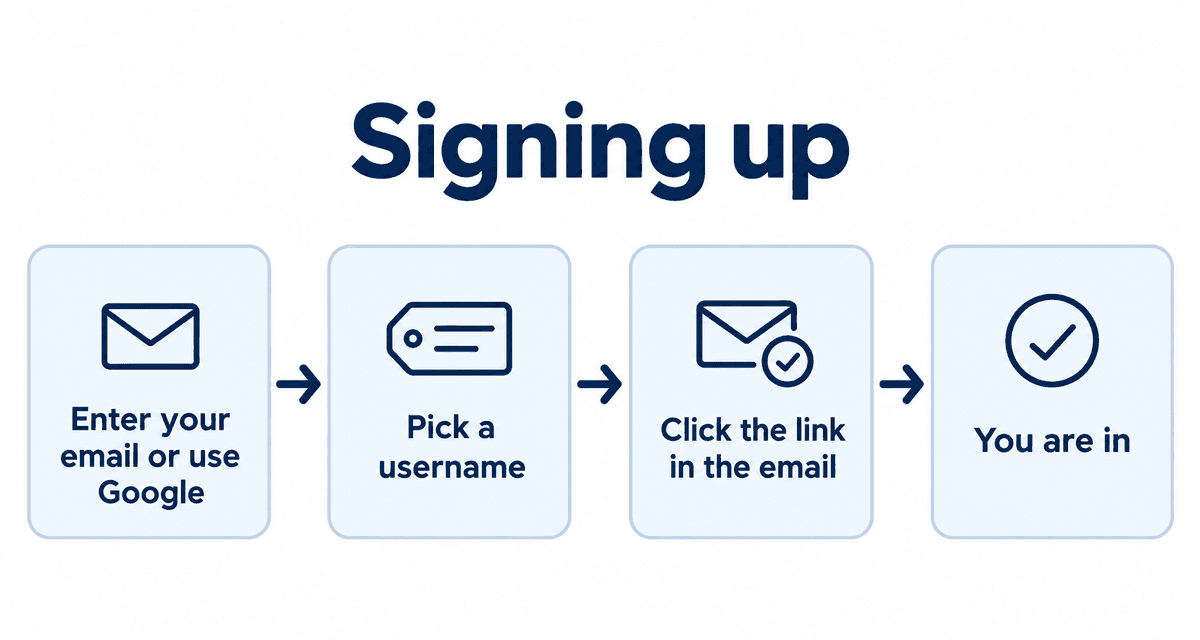
- Open Stripchat and tap Sign Up in the top right.
- Enter a username, email address and password, or sign up with a Google account.
- Confirm that you are 18 or older when asked.
- Click the button in the confirmation email. It usually takes less than a minute.
- Your username is visible to models and other viewers. Avoid your real name or a name you use elsewhere.
- If the confirmation email does not arrive, check your spam folder. You can resend it after logging in.
- If you signed up with Google, always log in with the same Google button.
First things to set up
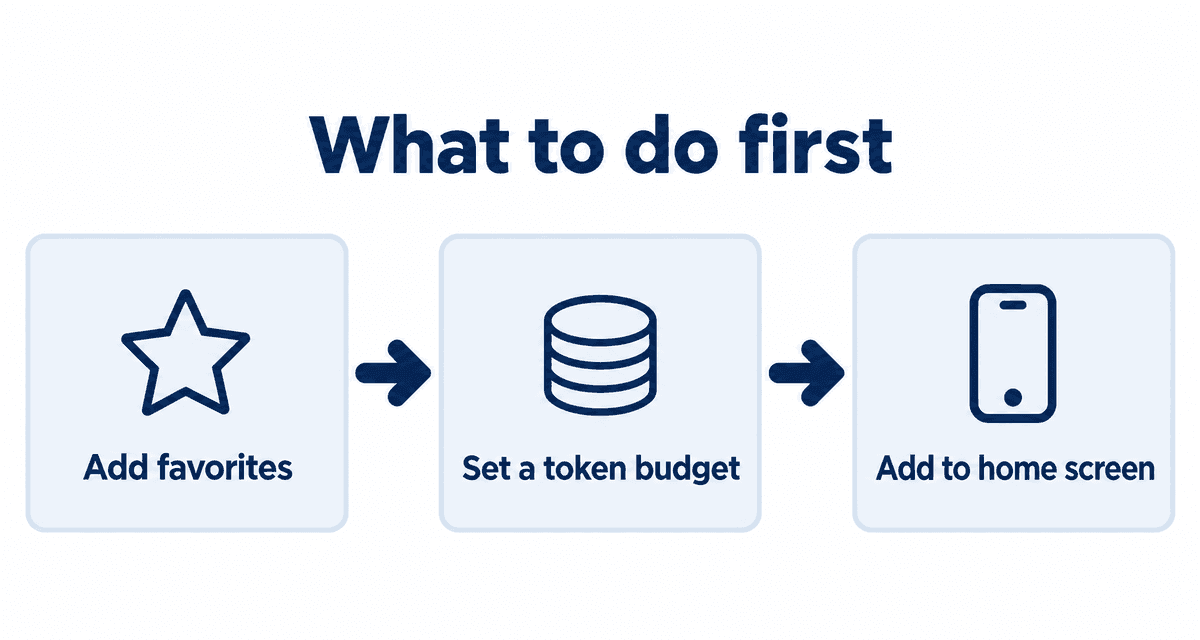
- Add models you like to your favorites so they are easy to spot when they go live.
- Decide on a token budget before you buy. Tokens are prepaid, so the pack you buy is your limit.
- If you use a phone, add Stripchat to your home screen. See Stripchat on your phone.
Finding models to watch
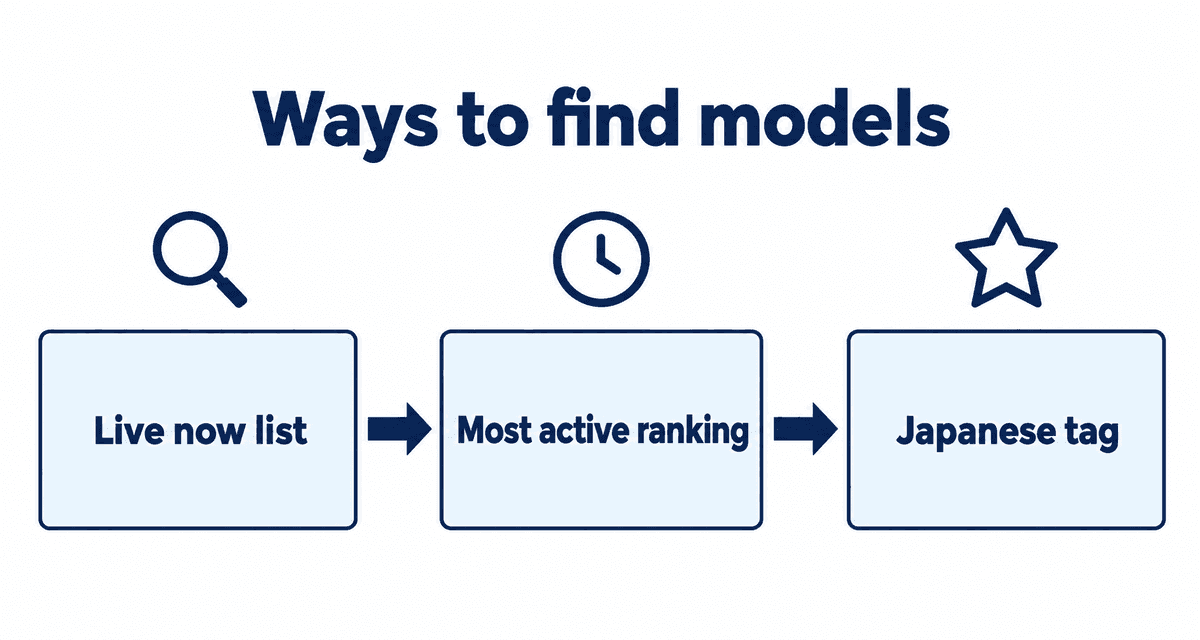
Thousands of models are live at any time, so it helps to narrow things down before you open Stripchat.
- See who is streaming right now in the live now list.
- Pick from people who stream often in the most active ranking.
- See who is gaining fans fast in the rising ranking.
- Browse new faces in the new models list.
- Looking for Japanese models? See how to find Japanese cam models.
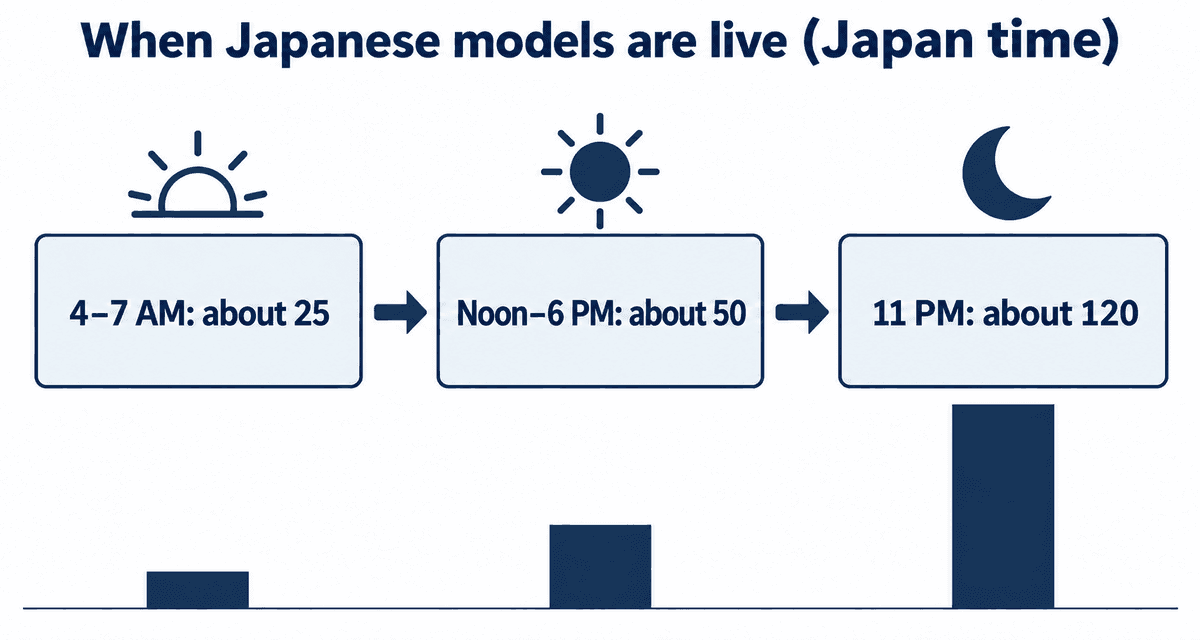
- Each profile here has a chart of the days and hours that model usually streams.
Before you start
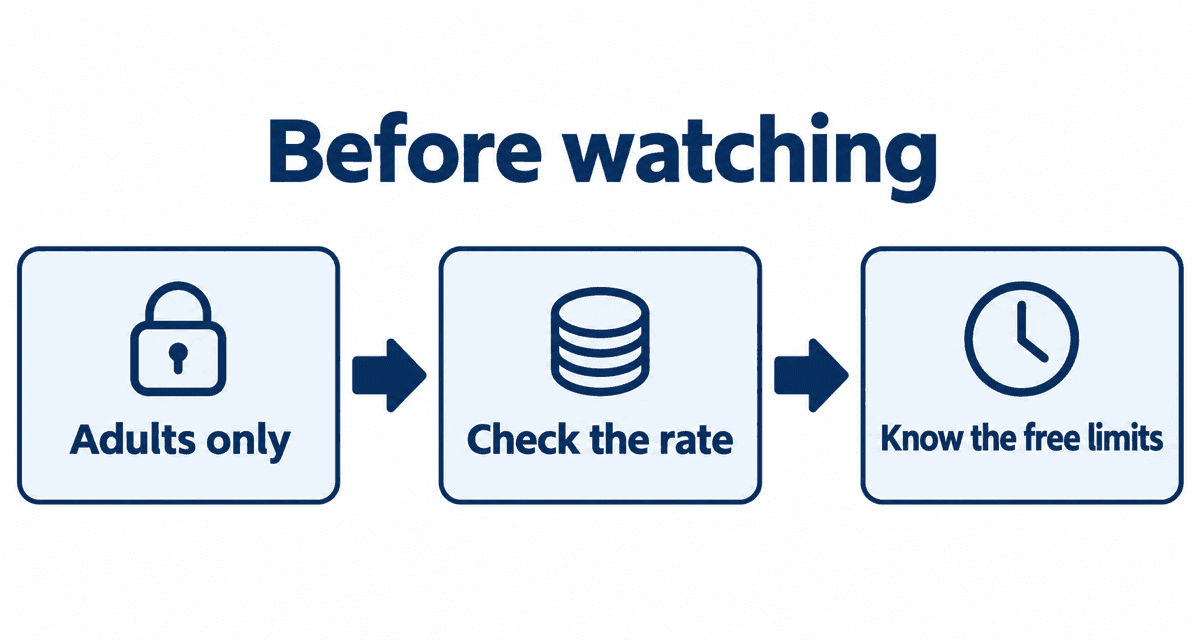
- Stripchat is for adults 18 and over only.
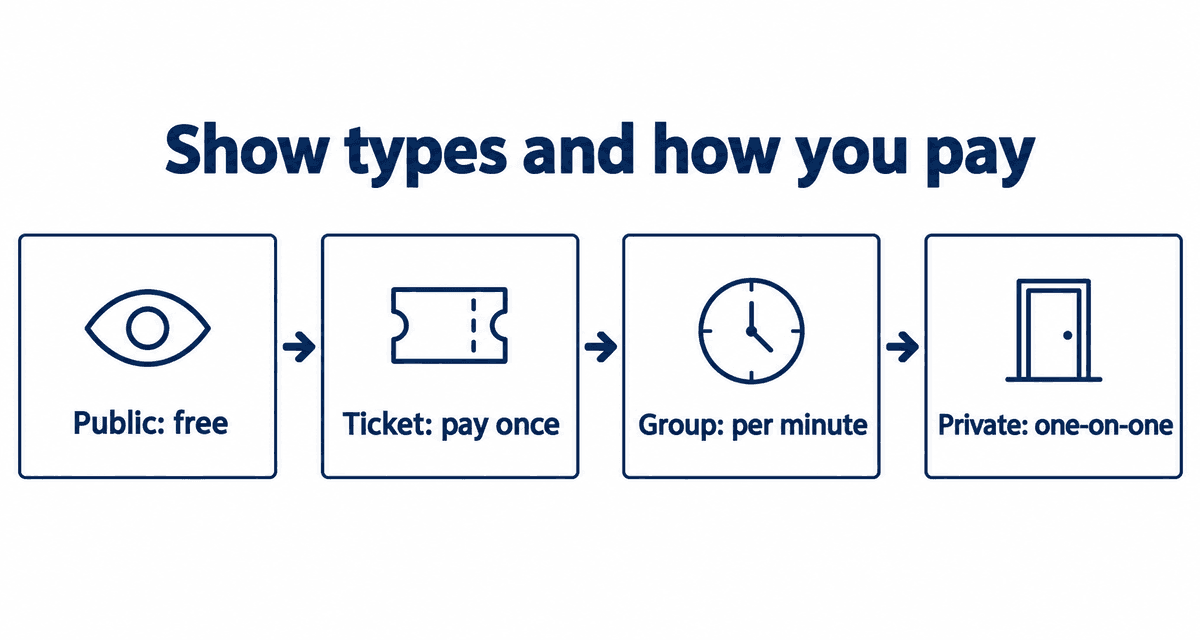
- Models set their own prices. Check the per-minute rate before starting a private show; see Stripchat show types explained.
- There is no monthly charge unless you sign up for a membership yourself.
- For privacy tips, see is Stripchat safe?.
Get notified when a favorite model goes live
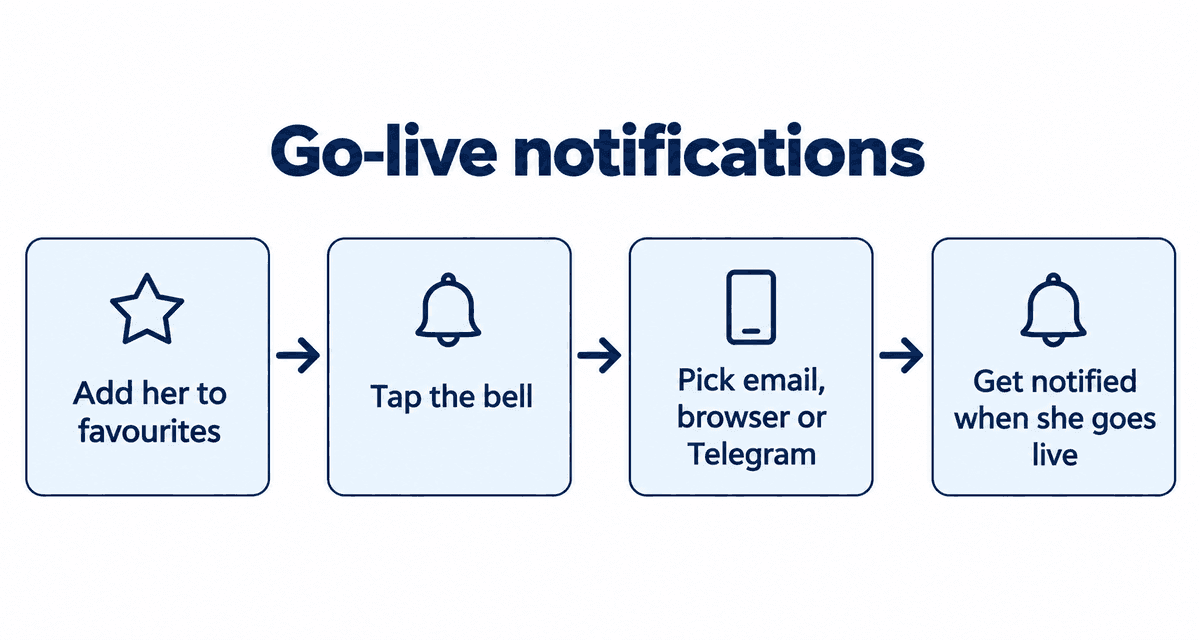
Favorites are free and unlimited with a free account, and you can be notified the moment a model you like starts streaming.
- On the model's page, tap the heart to add her to your favorites.
- Tap the bell icon next to the heart.
- Choose how you want to be notified: email, browser notification or Telegram.
- If you choose browser notifications, allow them when your browser asks.
Browser notifications are the fastest. If you use email, a separate email address keeps things more private.
Phone vs computer: what is different
Sign-up and every feature are the same on both. On a phone the chat sits below the video and the menu opens from the three-line icon at the top. The same email and password work on every device. See Stripchat on your phone for phone tips.
In some places, including the UK and a number of US states, the law requires adult sites to check your age before you can watch. If you are asked, Stripchat sends you to a third-party age-check service; you do not upload anything to the model.
Common sign-up problems
| Problem | Likely cause | Fix |
|---|---|---|
| Confirmation email never arrives | It went to spam, or the address has a typo | Check spam, then resend it from the sign-up screen |
| Username not accepted | Already taken, or contains characters that are not allowed | Try another mix of letters and numbers; avoid your real name or birthday |
| Asked for a password after signing up with Google | You are trying to log in with email | Use Continue with Google on the login screen |
| An age-check screen appears | Required by law in some places | If you are 18 or over, follow the steps; nothing is shared with models |
Your first 30 minutes
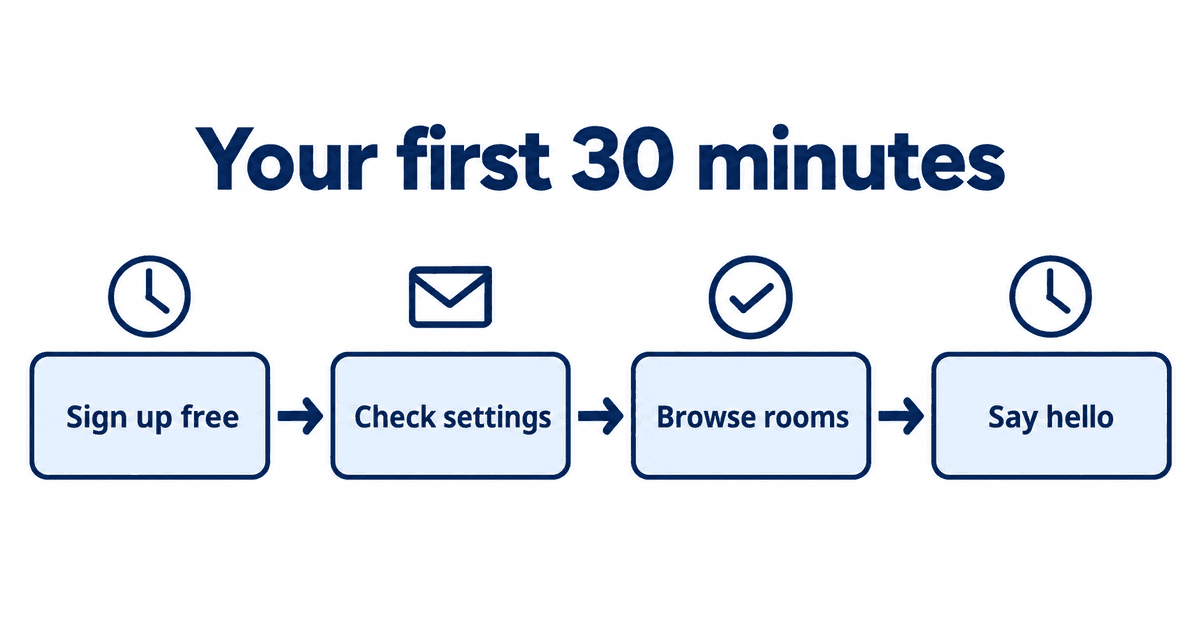
- Minutes 0-5: sign up for free and click the link in the confirmation email.
- Minutes 5-10: check your username and email settings, and switch the site language if you need to.
- Minutes 10-20: browse a few rooms, for example the Japanese models list, and see what you like.
- Minutes 20-25: add two or three models to your favorites and turn on go-live notifications with the bell.
- Minutes 25-30: say hello in chat. Buy tokens only once you find someone you want to support.
Done this way, you learn how Stripchat works without spending anything. When you do buy, the smallest pack is the safest way to check the payment and how it appears on your statement.
Live cams right now
These streams are live now. Tap one to open it on Stripchat and watch free.
FAQ
Does it cost anything to sign up?
No. Signing up is free and does not require a card. You only pay if you buy tokens.
What happens if I do not sign up?
You can still watch public shows, but only for a limited time per show, and you cannot chat or save favorites.
My confirmation email did not arrive.
Check your spam folder. If it is not there, log in and resend the confirmation email.
How long does sign-up take?
Usually less than a minute, including email confirmation.
Can I get a notification when a model goes live?
Yes. Tap the bell next to the heart on her page and choose email, browser notifications or Telegram.
Can I sign up on my phone?
Yes. Open Stripchat in your phone's browser and follow the same steps as on a computer. No app is needed.