Stripchat App: Is There One? How to Use It on iPhone and Android
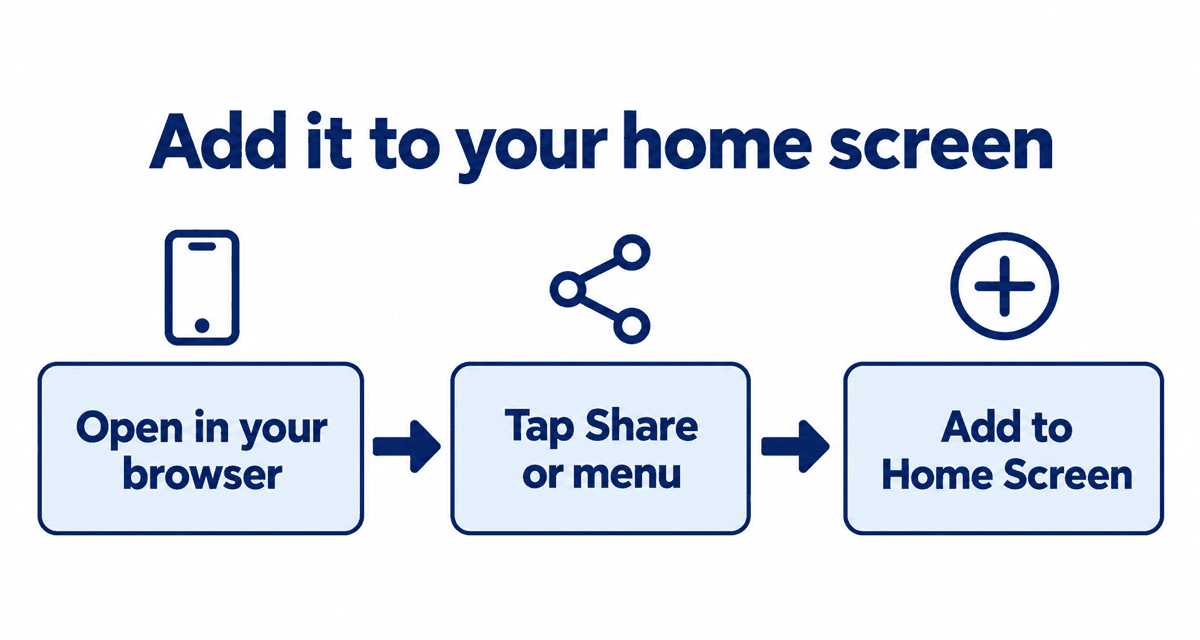
Stripchat works in your phone's browser, with no download needed. There is no app in the App Store or Google Play. Instead, Stripchat offers an official web app you can add to your home screen. This guide shows how, and what to do when things do not play properly.
Last checked: September 30, 2026
On this page
No download needed
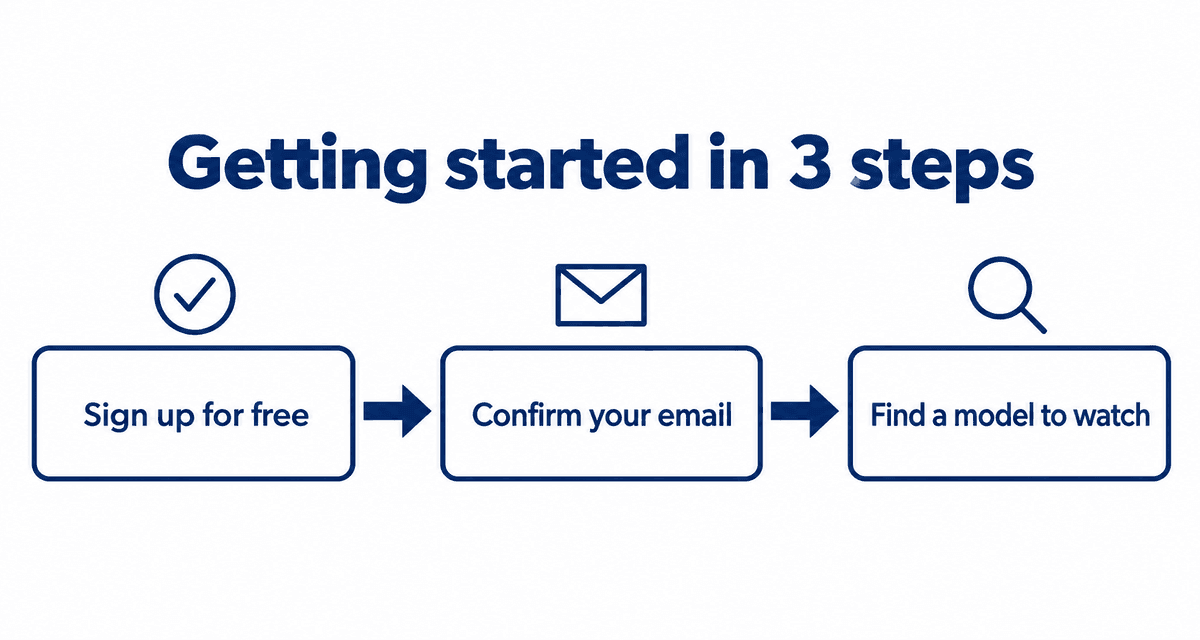
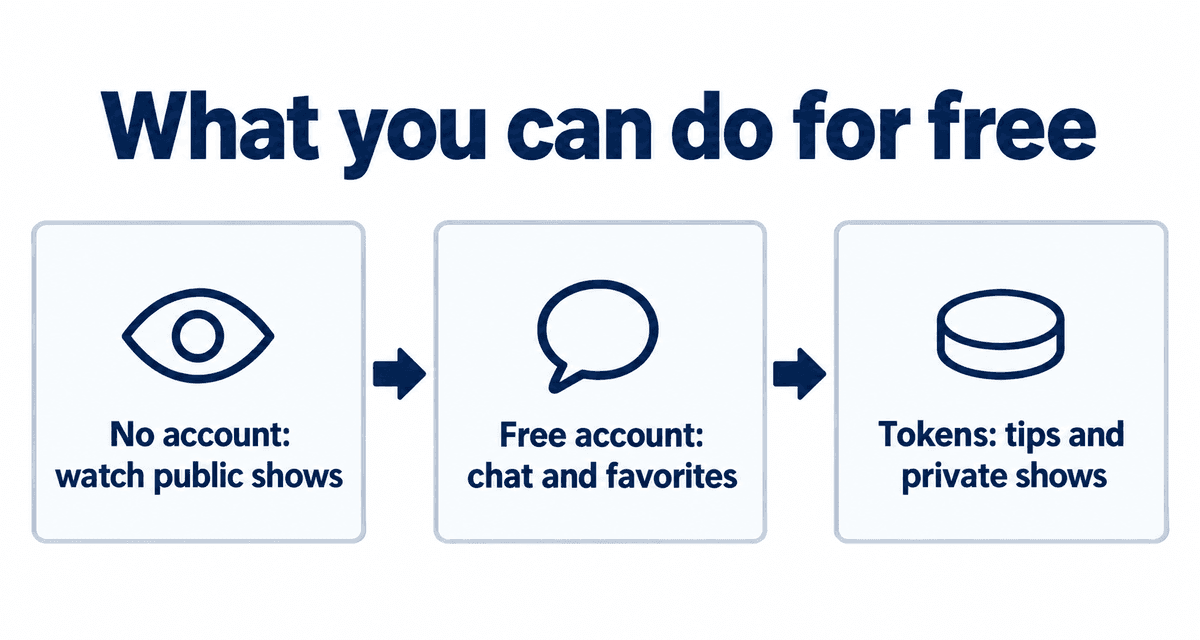
Open Stripchat in Safari on an iPhone or Chrome on Android and you can watch, chat, sign up and buy tokens just as you would on a computer.
Because it runs in the browser, there is nothing to update and nothing named Stripchat on your home screen unless you add it yourself. Private browsing mode works too if you do not want it in your history.
Add it to your home screen on iPhone
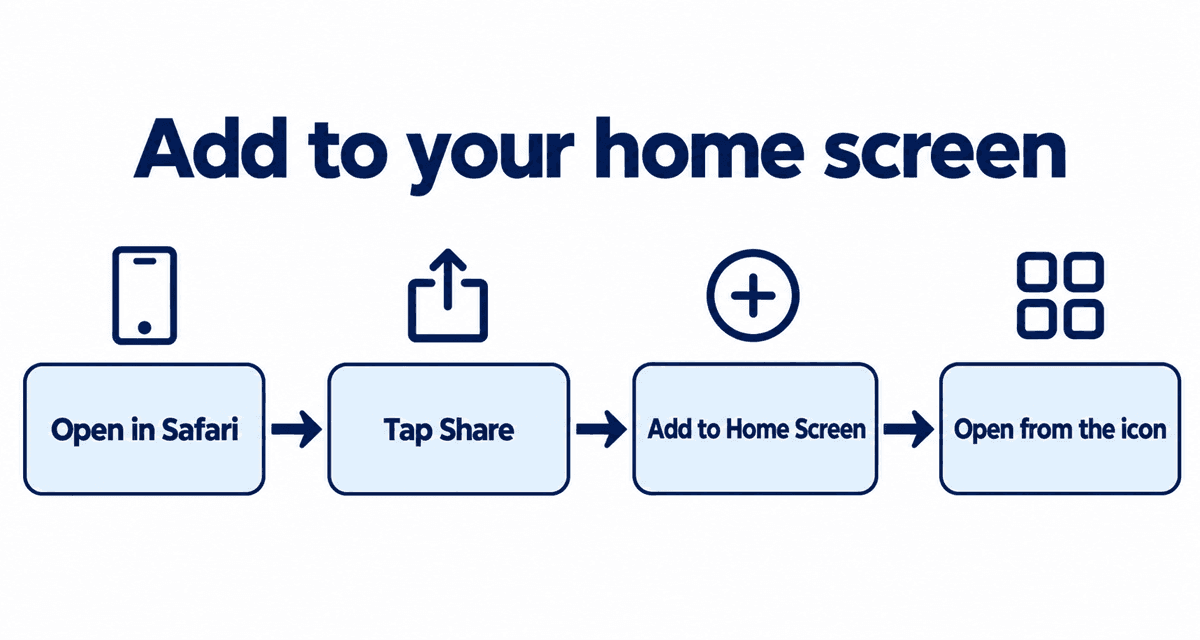
- Open Stripchat in Safari.
- Tap the Share button (a square with an arrow pointing up).
- Choose Add to Home Screen, then tap Add.
Add it to your home screen on Android
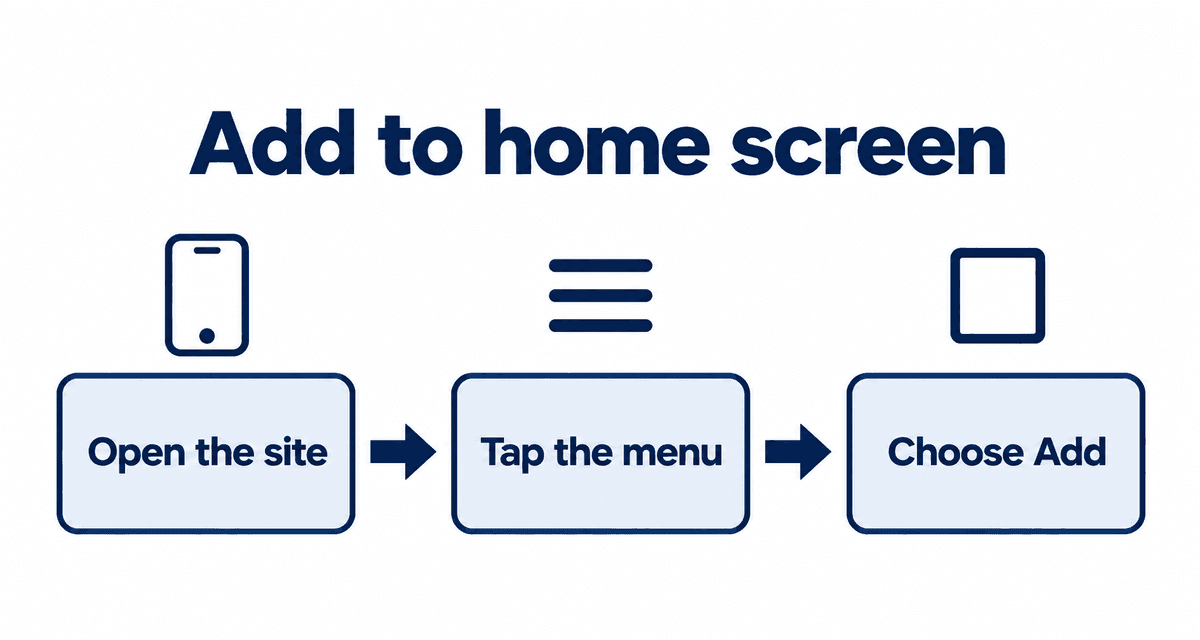
- Open Stripchat in Chrome.
- Tap the three-dot menu in the top right.
- Choose Add to Home screen or Install app.
Stripchat also has an official page for installing the web app (see the source below).
Avoid unofficial apps
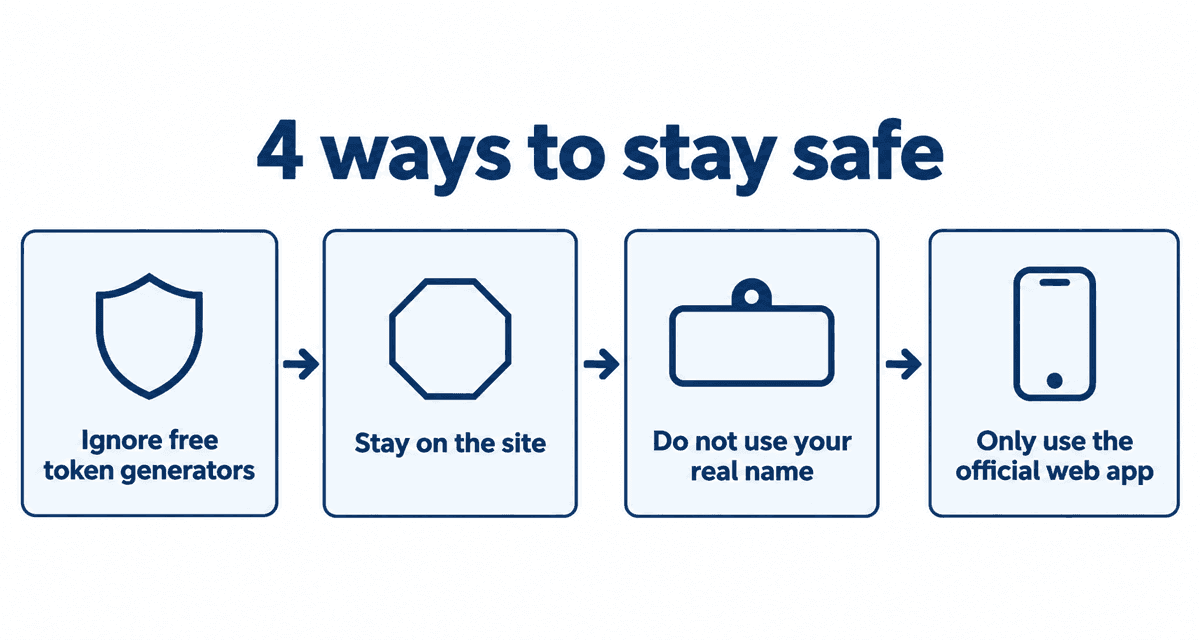
APK download sites and app stores carry apps that use the Stripchat name but are not official. Entering your login or card details in them can put your account and money at risk. Stick to the browser or the web app from the official site. More in is Stripchat safe?.
When the video will not play
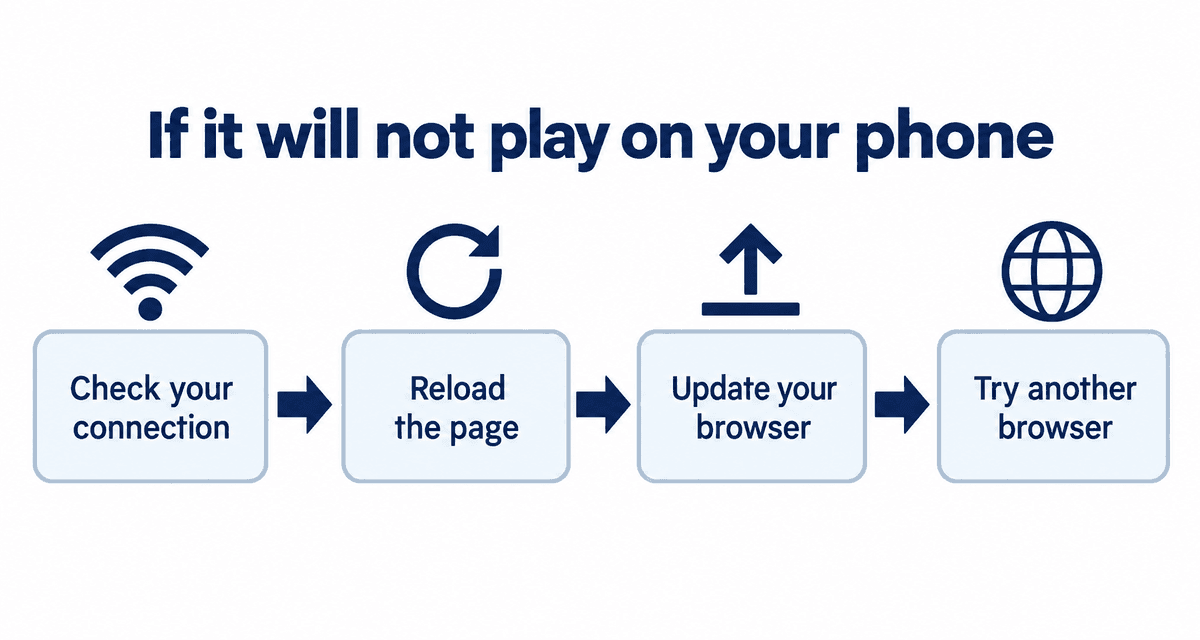
| Problem | What to try |
|---|---|
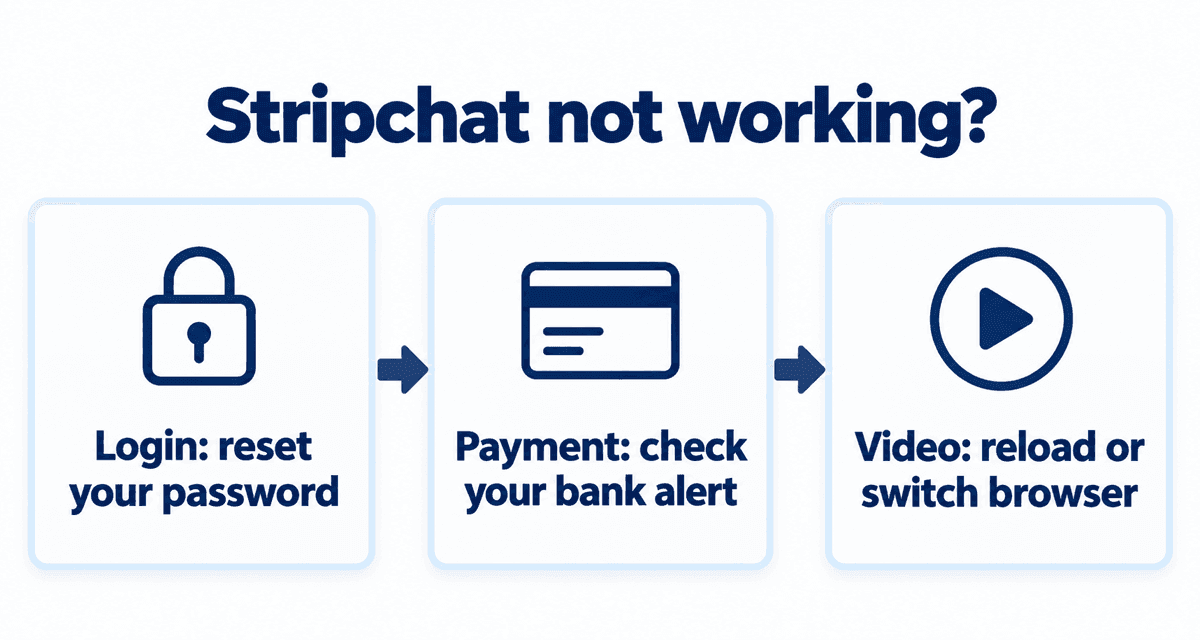
| Video freezes or stutters | Switch to Wi-Fi or move to a better signal, and close other apps. |
| No sound | Check silent mode and volume, then tap the speaker icon on the video. Phones often start video muted. |
| Blank page | Reload, update your browser, or try a different browser. |
| Cannot log in | See Stripchat not working?. |
Tips for watching on a phone
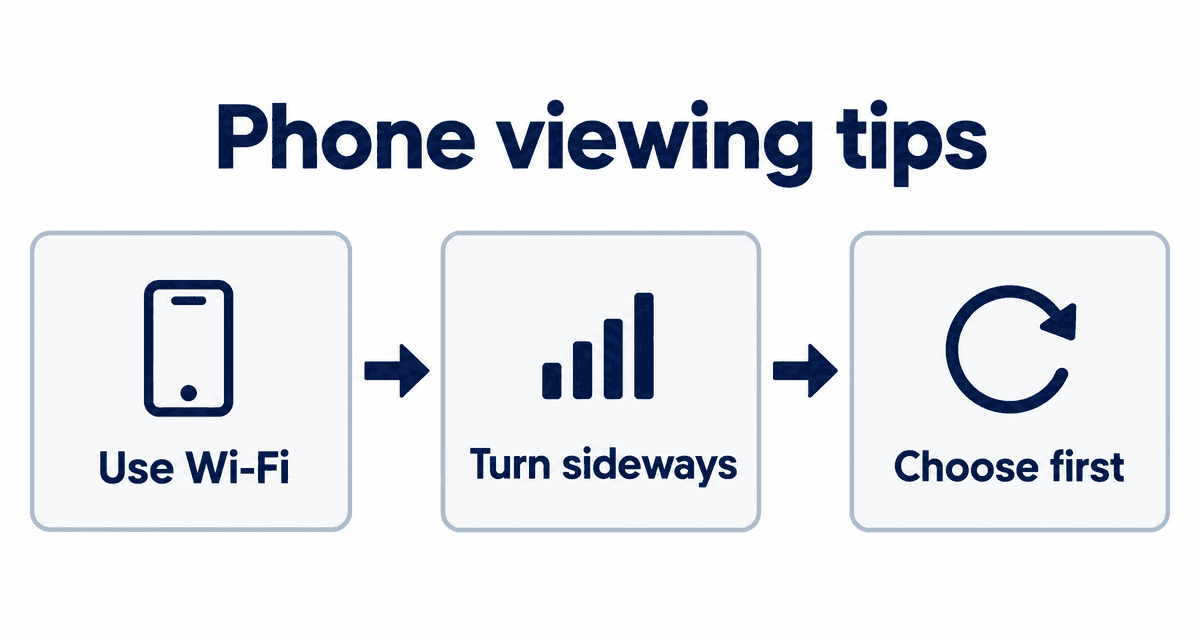
- Live video uses a lot of data. Use Wi-Fi for long sessions.
- Turn your phone sideways for a bigger picture.
- Pick a model here first and then open Stripchat. It saves a lot of scrolling on a small screen.
Phone vs computer, and data use
| Phone | Computer | |
|---|---|---|
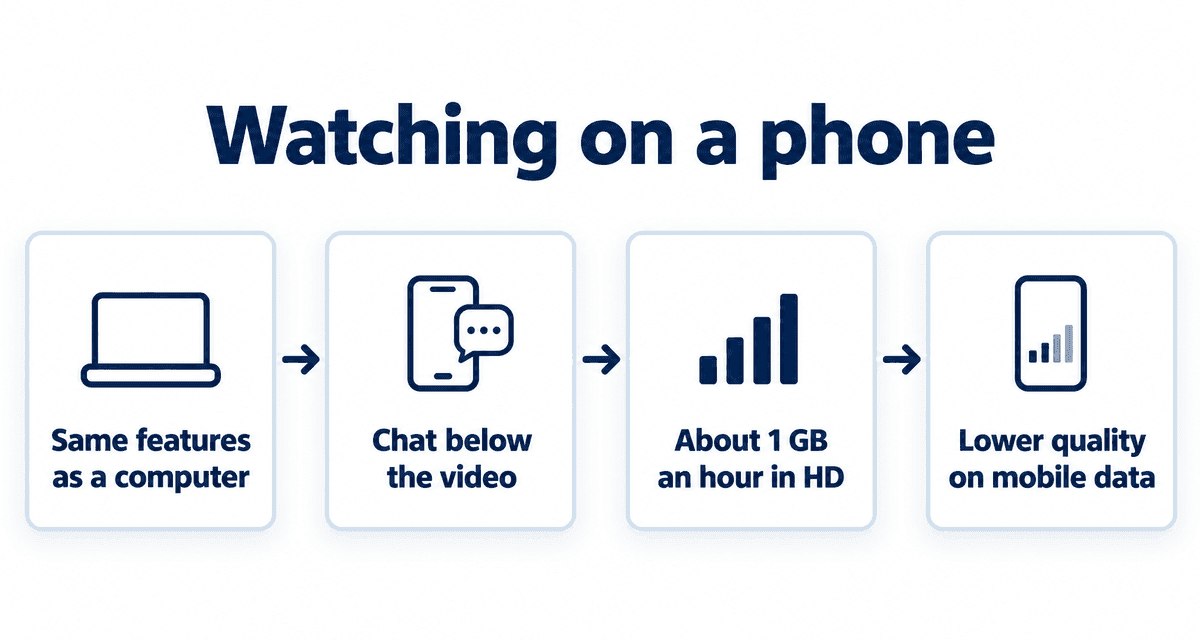
| What you can do | Everything: watch, chat, tip, private shows, buy tokens | The same |
| Chat | Below the video | Beside the video |
| Menu | Three-line icon at the top | Along the side and top |
Live video uses a lot of data: watching in high quality can use around 1 GB an hour. On mobile data, lower the quality in the video settings or wait for Wi-Fi.
If nothing here fixes it, contact support from the menu at the bottom of the page. Include your phone model, browser and what happens; it speeds up the reply.
Go-live notifications on your phone
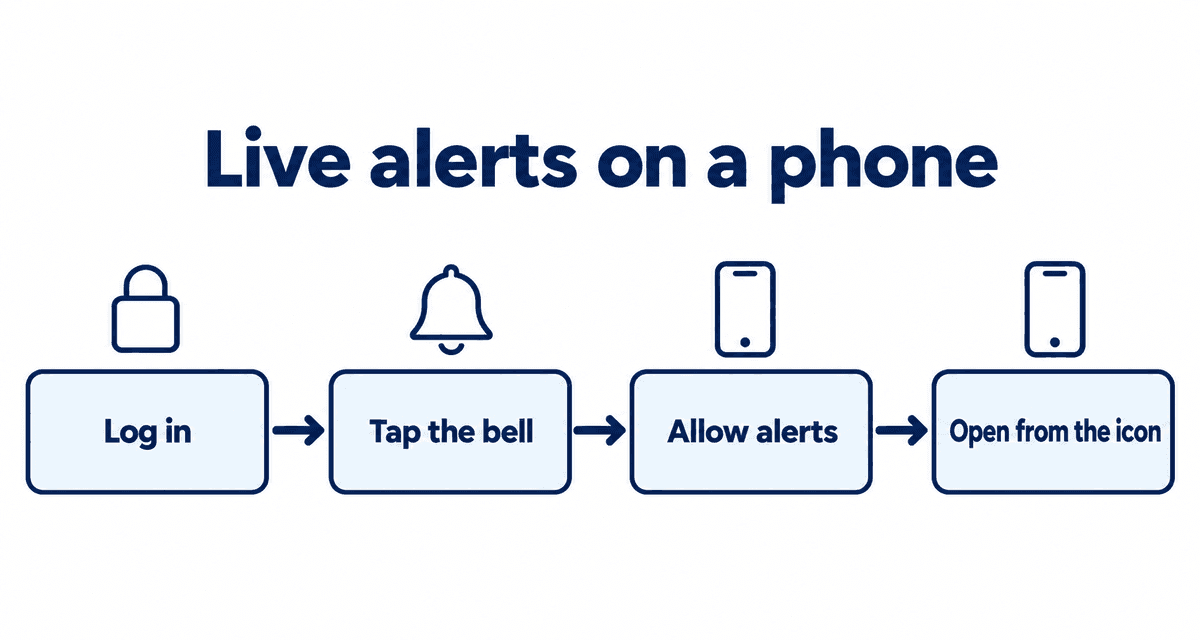
- Log in to Stripchat in your phone's browser.
- On a favorite model's page, tap the bell next to the heart.
- Choose browser notifications and allow them when asked.
- On iPhone, notifications work when you open Stripchat from the icon you added to your home screen.
Notifications show the model's name. If others see your screen, choose email alerts to a separate address instead.
If the video will not play on Android
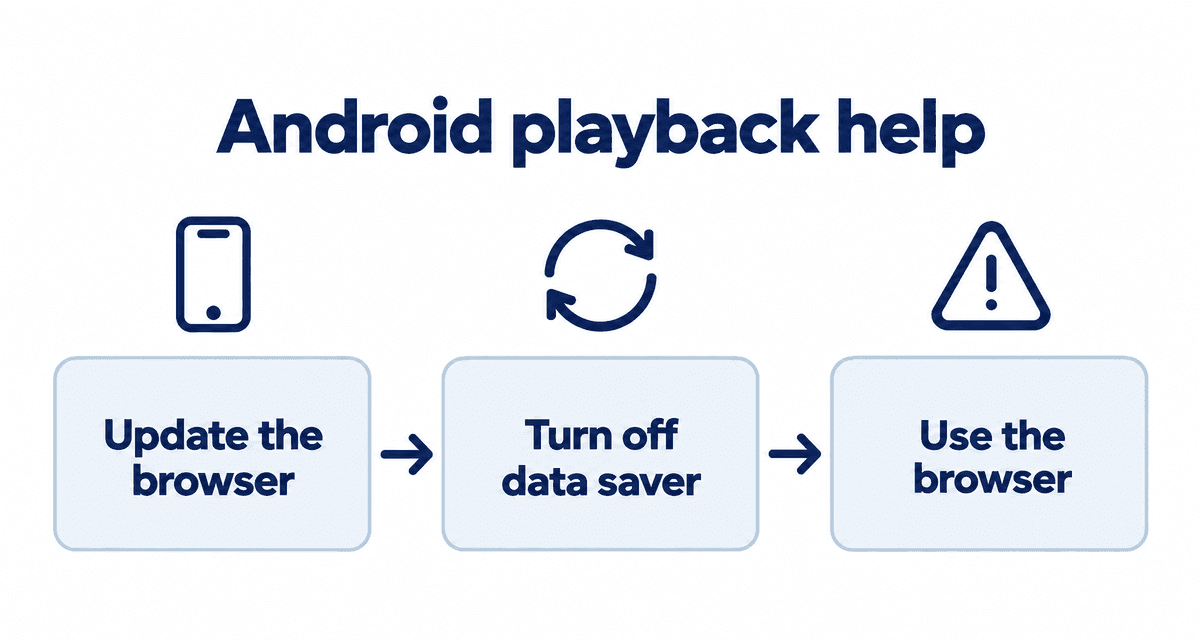
- Update Chrome; old versions can fail to play live video.
- Turn off Chrome's data saver or lite mode, which can stop streams.
- Apps on app stores with Stripchat-like names are not official. Use the browser.
Using the player on a phone
| To | Do this |
|---|---|
| Go full screen | Tap the video once, then tap the full-screen icon |
| Write in chat | Tap the box under the video |
| Send a tip | Tap the coin icon near the chat box |
| Add a favorite | Tap the heart near the model's name |
| Turn on sound | Tap the speaker icon on the video |
Landscape gives you a bigger picture; portrait makes chat easier to read. Watch in landscape and switch to portrait when you want to talk.
Live cams right now
These streams are live now. Tap one to open it on Stripchat and watch free.
FAQ
Is there an official Stripchat app?
Not in the App Store or Google Play. Stripchat offers an official web app you add to your home screen from its website.
Can I buy tokens on my phone?
Yes. The mobile site has the same payment options as the desktop site.
Why is there no sound on my phone?
Phones often start video muted. Tap the speaker icon on the video and check silent mode and volume.
How much data does watching use?
Around 1 GB an hour in high quality. Lower the quality on mobile data or wait for Wi-Fi.
Can I get notified on my phone when a model goes live?
Yes. Tap the bell next to the heart on her page and allow browser notifications, or choose email.