Stripchat Age Verification: Where It Is Required and How It Works
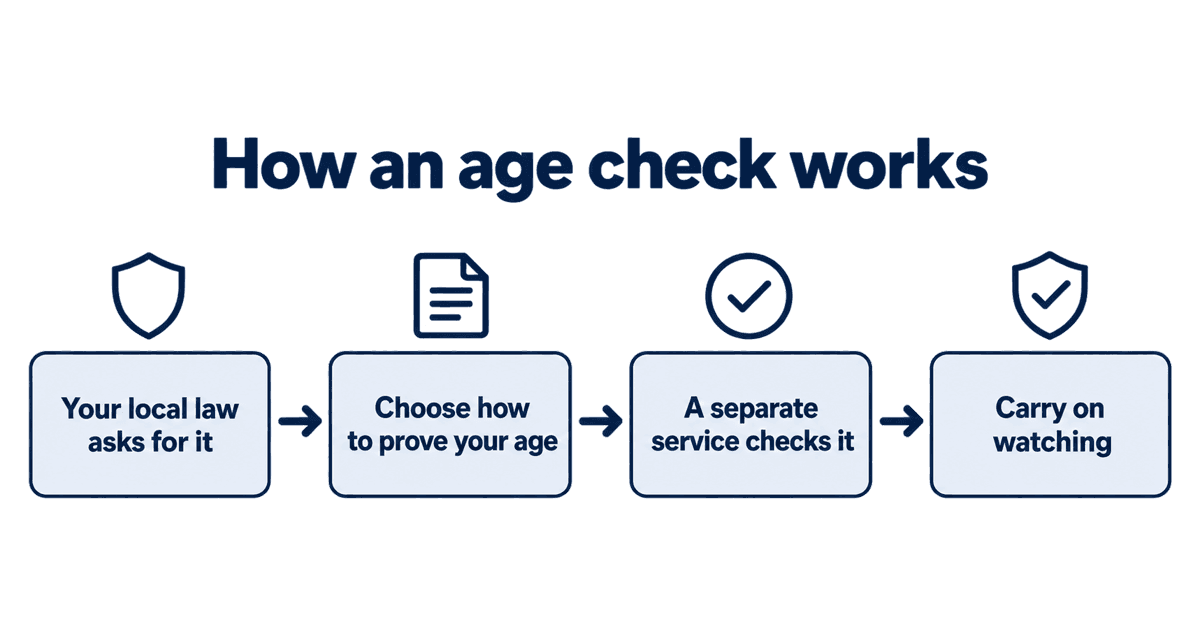
Depending on where you are, Stripchat may ask you to prove you are an adult before you can watch. This is not Stripchat singling you out: laws in the UK, a growing list of US states, France and other places require adult sites to check viewers' ages. This guide explains where checks apply, what the options are, who sees your details and what to do if the check does not work.
Last checked: October 1, 2026
On this page
Why you are being asked
Adult sites must follow the law of the country or state their visitors are in. Where the law requires an age check, Stripchat shows one before you can watch. Where it does not, you simply confirm you are 18 or over. The check depends on where you are connecting from, not on the country in your account.
Where age checks are required
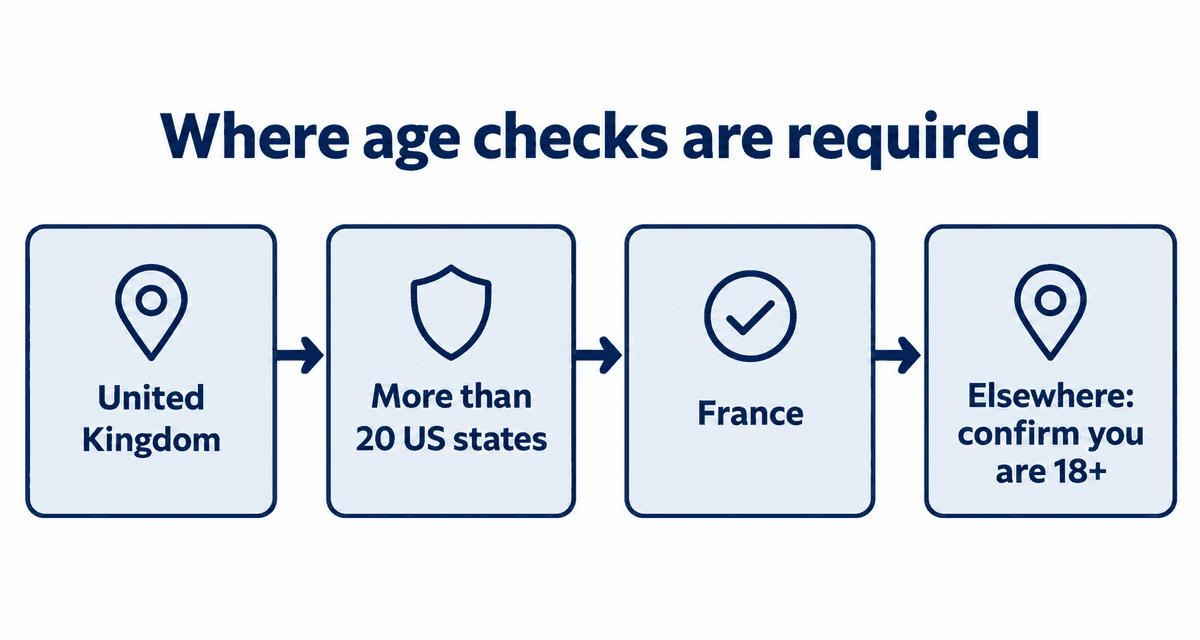
| Place | What applies |
|---|---|
| United Kingdom | The Online Safety Act has required highly effective age checks since 25 July 2025 |
| United States | More than 20 states have age-check laws, including Texas, Florida, Utah, Virginia and Louisiana |
| France | Adult sites must check ages; since 2025 this also covers sites based in the EU |
| Other countries | More are adding rules; if yours has none, you only confirm you are 18+ |
Laws change often. If Stripchat starts asking you for a check, a new rule has probably taken effect where you are.
Ways to prove your age
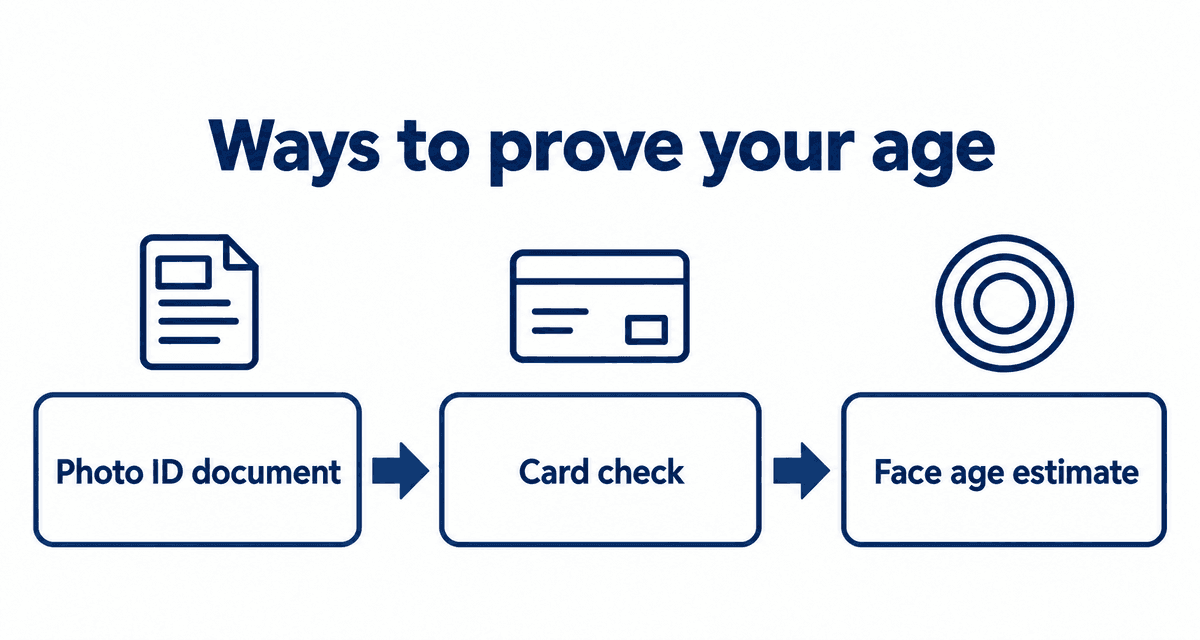
| Method | What happens |
|---|---|
| Photo ID | You take a picture of a passport, driver's license or ID card |
| Card check | A credit card is checked to confirm you are an adult |
| Face age estimate | A short selfie video is used to estimate your age, without storing your identity |
Which options you see depends on the law where you are. Choose the one you are most comfortable with.
How the check works, step by step
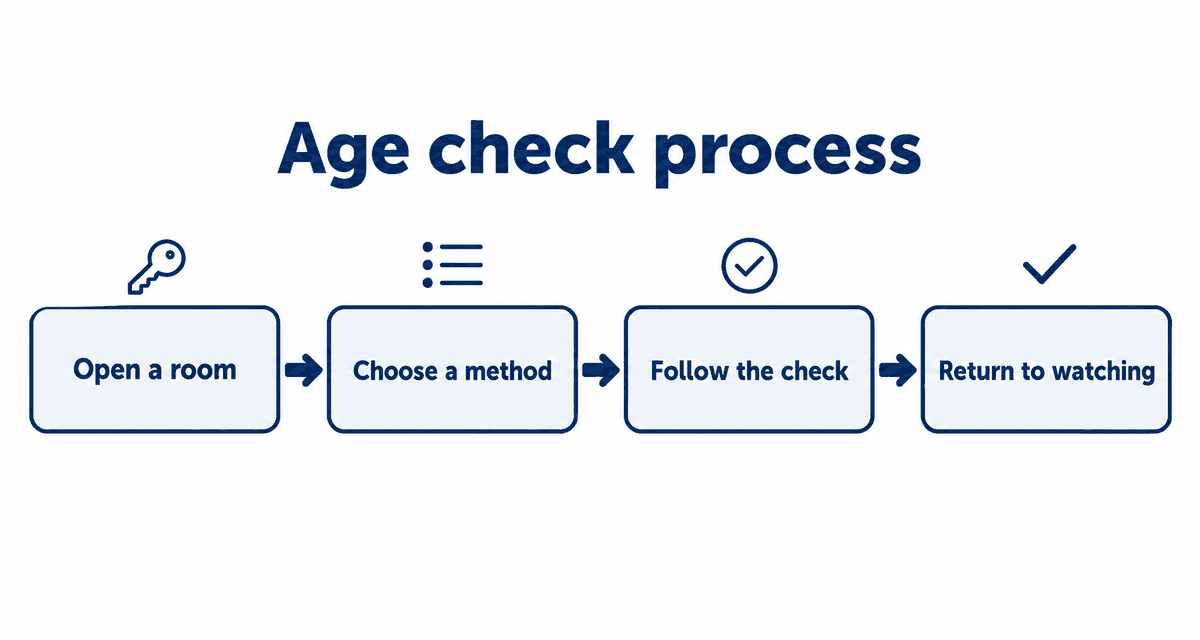
- Open a room. If a check is required, Stripchat shows the age-check screen first.
- Choose a method from the list.
- Follow the instructions from the age-check service.
- Once you pass, you return to Stripchat and can watch as normal.
Protecting your privacy
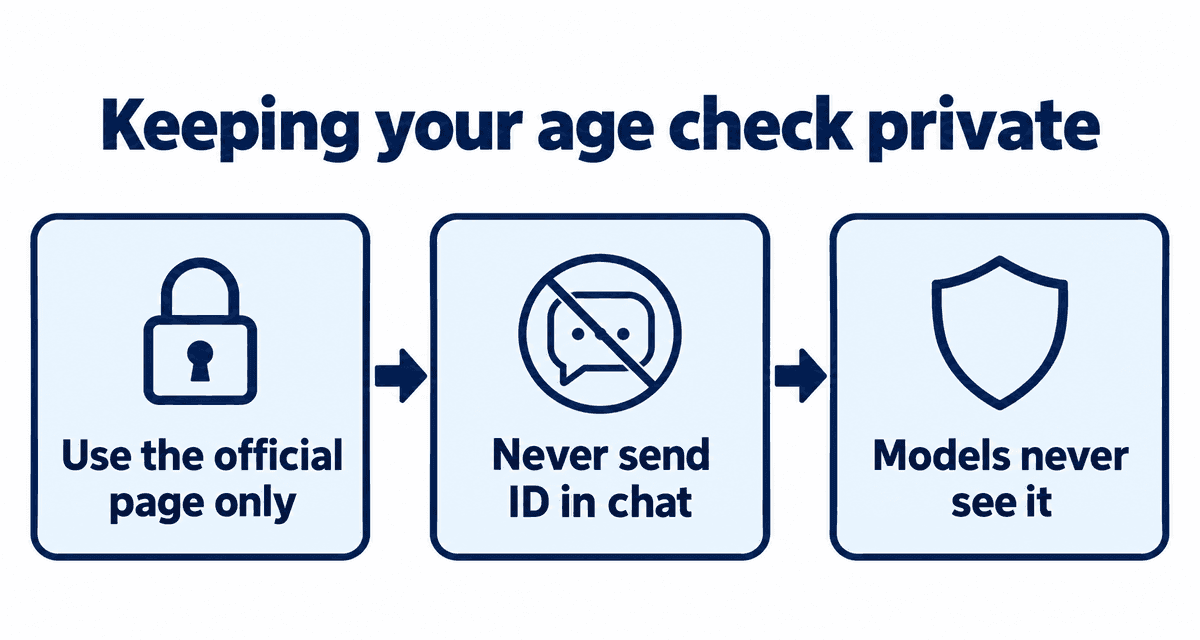
- The check is done by a separate age-check company. Models never see your ID, face or card.
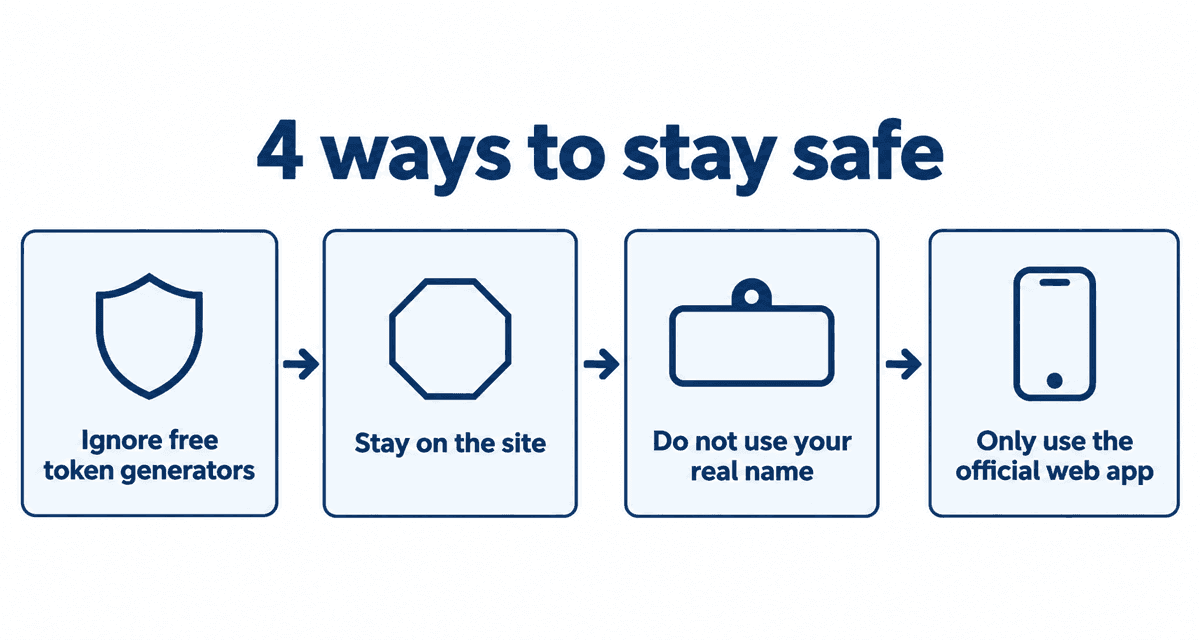
- Only use the age-check page Stripchat opens for you. Never send ID photos to anyone in chat or by email.
- Anyone offering to verify you for a fee or asking for your login is running a scam.
- Use your own details only. Someone else's ID can get your account closed.
If the check does not work
| Problem | Try |
|---|---|
| The photo of your ID is rejected | Retake it in good light with all four corners visible |
| The face estimate says you look under 18 | Use a photo ID or card instead |
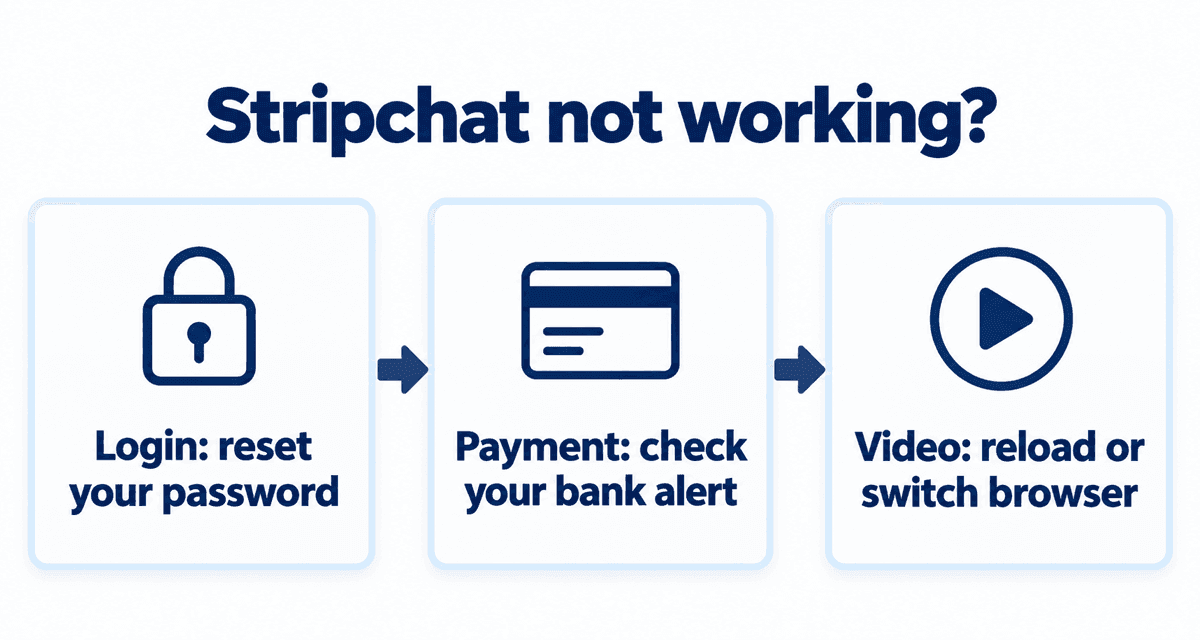
| The page keeps loading | Reload, allow the camera in your browser, or try another browser |
| You are asked again every time | Stay logged in and do not clear cookies for Stripchat |
If nothing works, contact support from the menu at the bottom of the page. More fixes for common problems are in Stripchat not working.
Live cams right now
These streams are live now. Tap one to open it on Stripchat and watch free.
FAQ
Why does Stripchat ask me to verify my age?
Because the law where you are connecting from requires adult sites to check viewers' ages, as in the UK and many US states.
Do models see my ID?
No. A separate age-check company handles it, and models never see your ID, face or card.
Is there a check in every country?
No. Where the law does not require one, you only confirm you are 18 or over.
Do I have to verify again every time?
Usually not, as long as you stay logged in. Clearing cookies or switching browsers can make the check appear again.
Is it safe to show my ID?
Only on the age-check page Stripchat opens for you. Never send ID photos in chat or to anyone offering to verify you.