How to Delete Your Stripchat Account (and What Happens to Your Tokens)
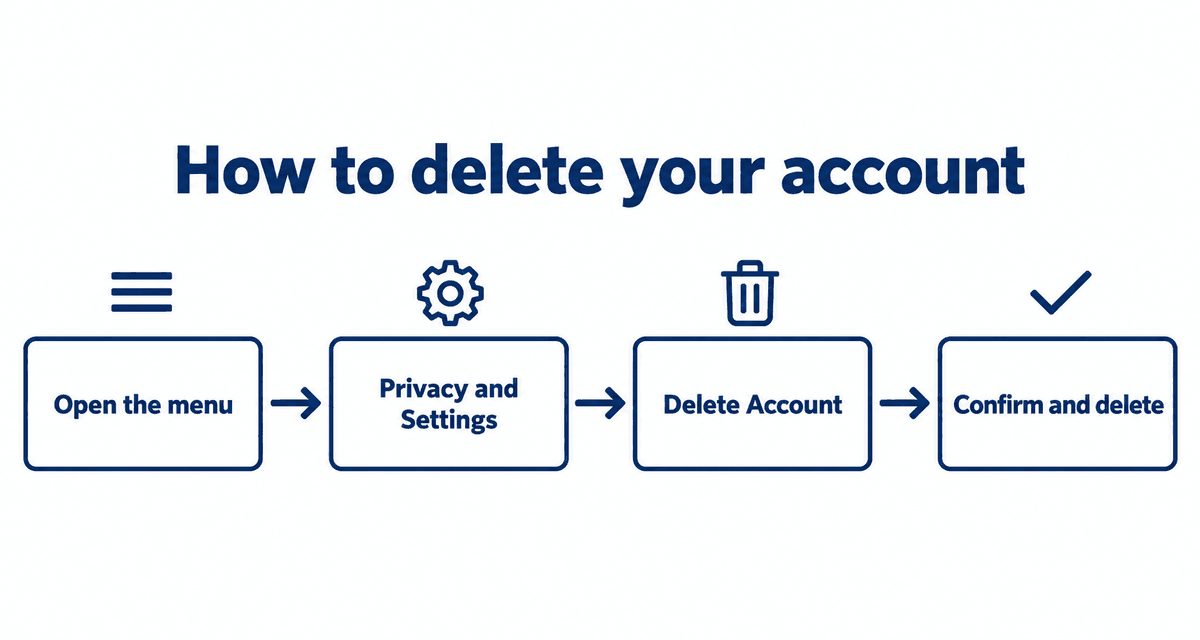
You can delete your Stripchat account yourself from the settings page. Any tokens left on the account are lost when you do, so check your balance and memberships first.
Last checked: September 30, 2026
On this page
Check these first
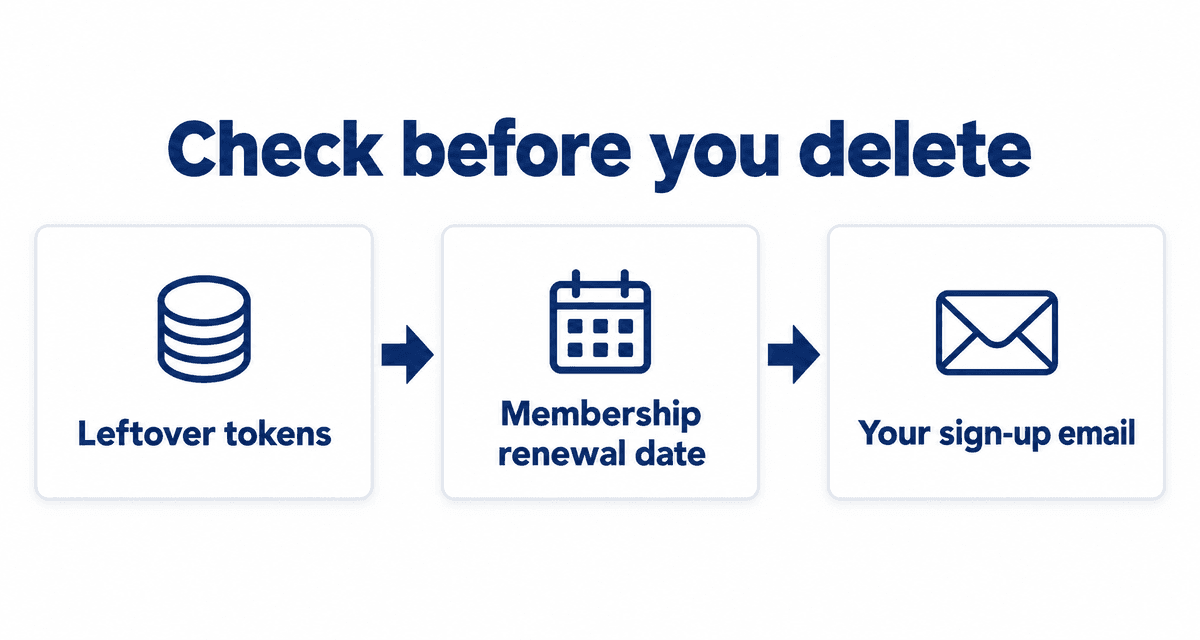
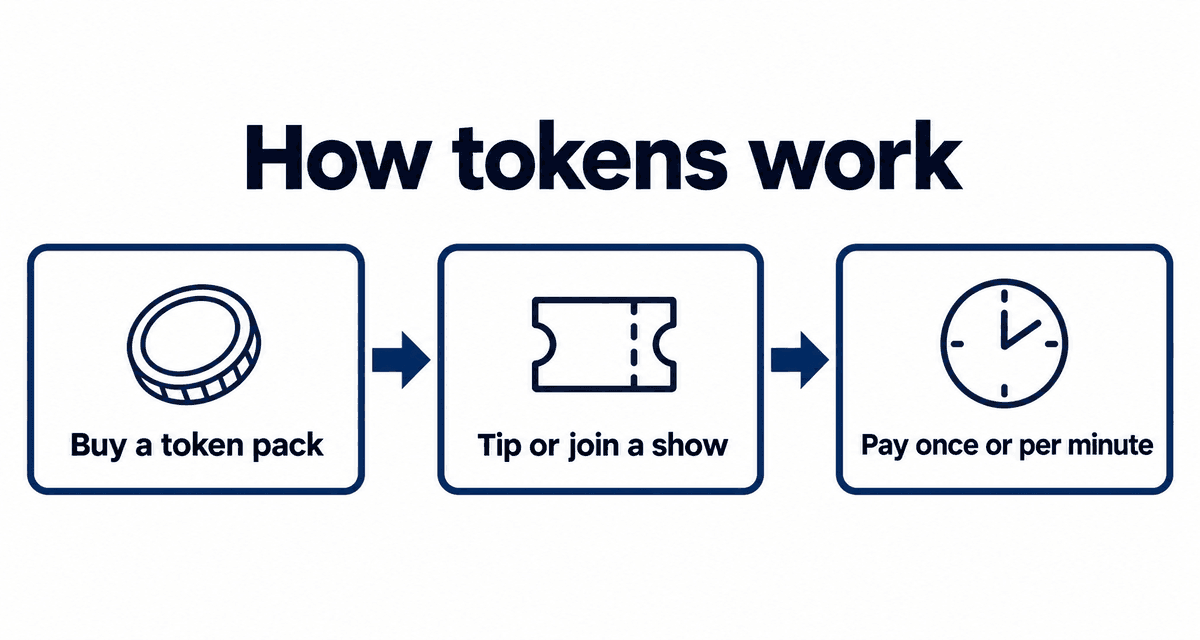
- Leftover tokens: they are lost on deletion and not refunded.
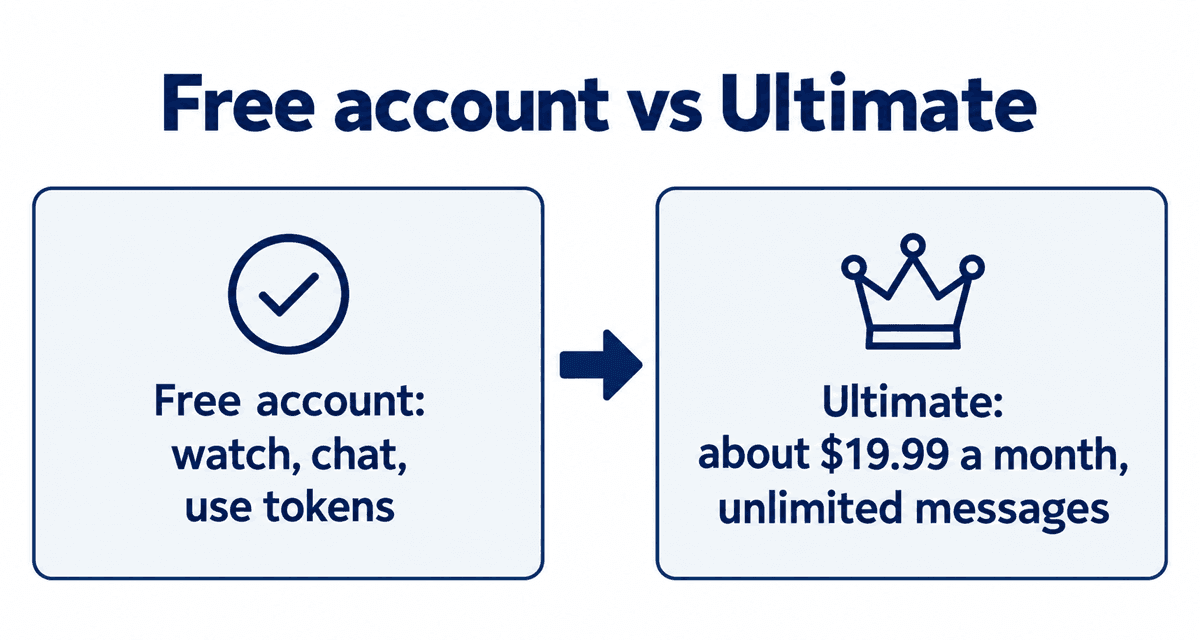
- Memberships: check the renewal dates of Ultimate or any fan club.
- Your sign-up email: you need it if you want to restore the account later.
Just taking a break? You can simply log out. A free account is never charged, even if you leave it unused.
Deleting your account
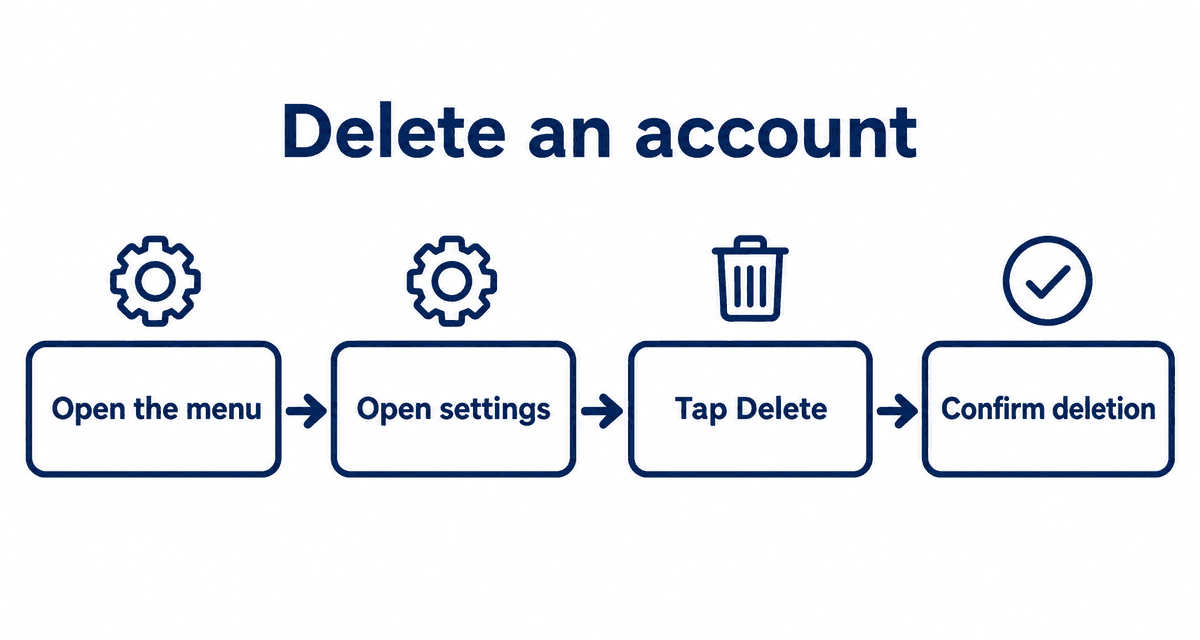
- While logged in, tap your icon in the top right (on a phone, the three-dot menu).
- Open Privacy and Settings.
- Scroll to the bottom and tap Delete Account.
- Read the notice, tick the box to agree and tap Delete.
You may not get a confirmation email. If you can no longer log in, the account has been deleted.
What happens to tokens and memberships
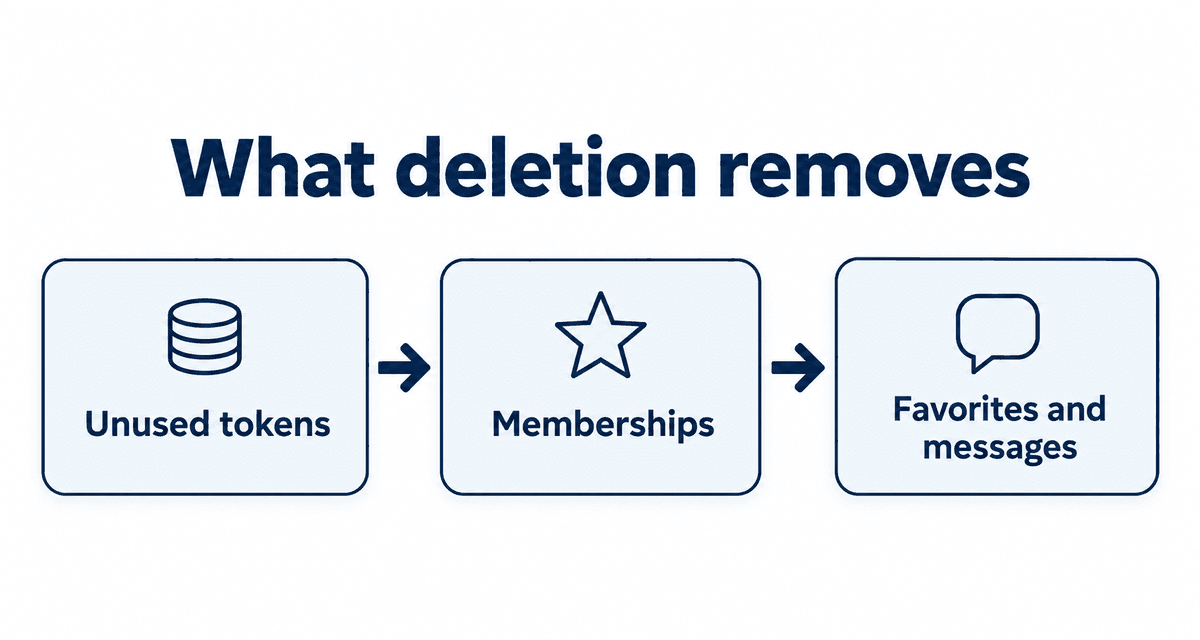
- Any tokens left on the account are lost.
- Ultimate membership and fan club subscriptions are cancelled along with the account.
- Your favorites and message history are no longer available.
Restoring a deleted account
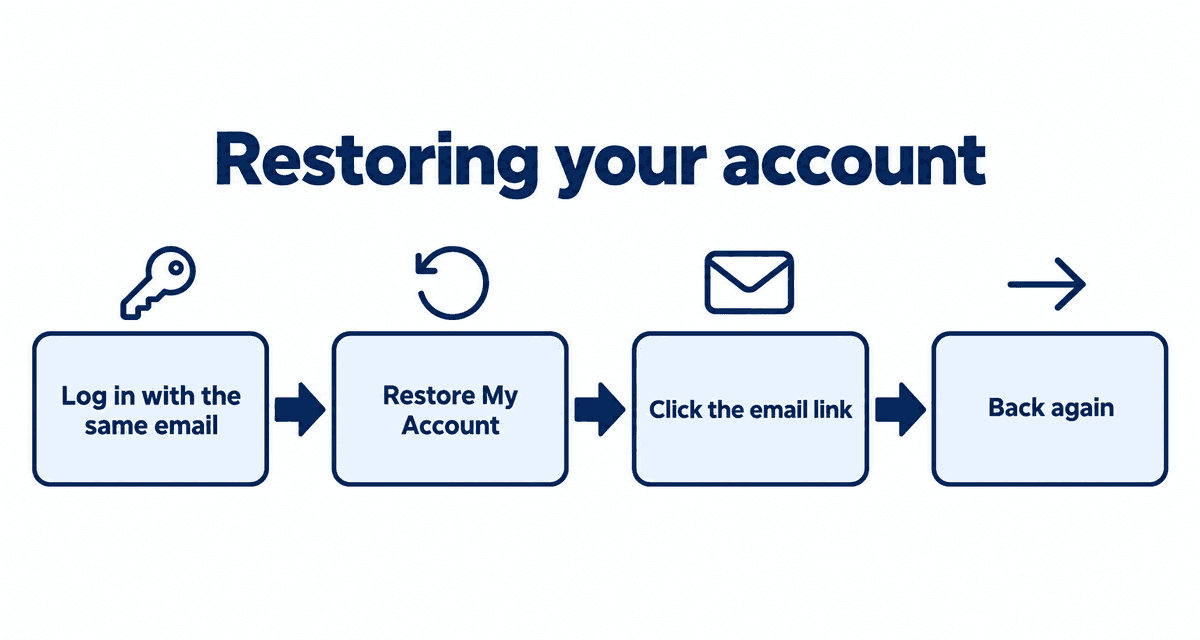
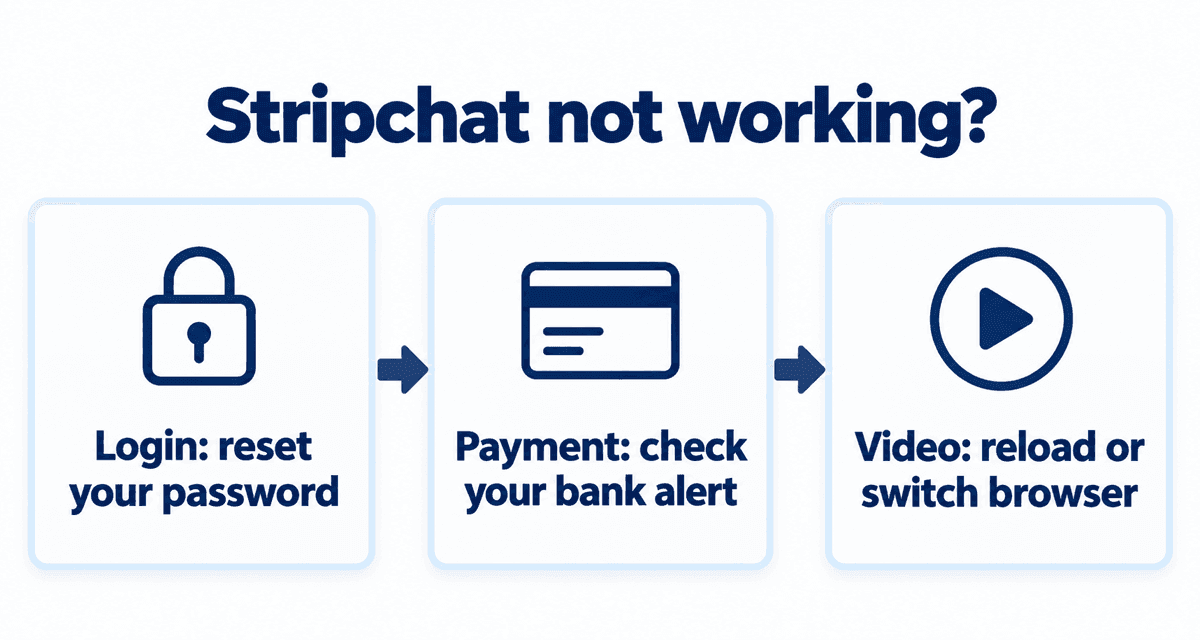
If you deleted your account by mistake, try logging in with the same email and password. You will be offered a way to restore it; click the button in the email you receive. Tokens lost at deletion do not come back. If you cannot log in at all, see Stripchat not working?.
What deletion removes
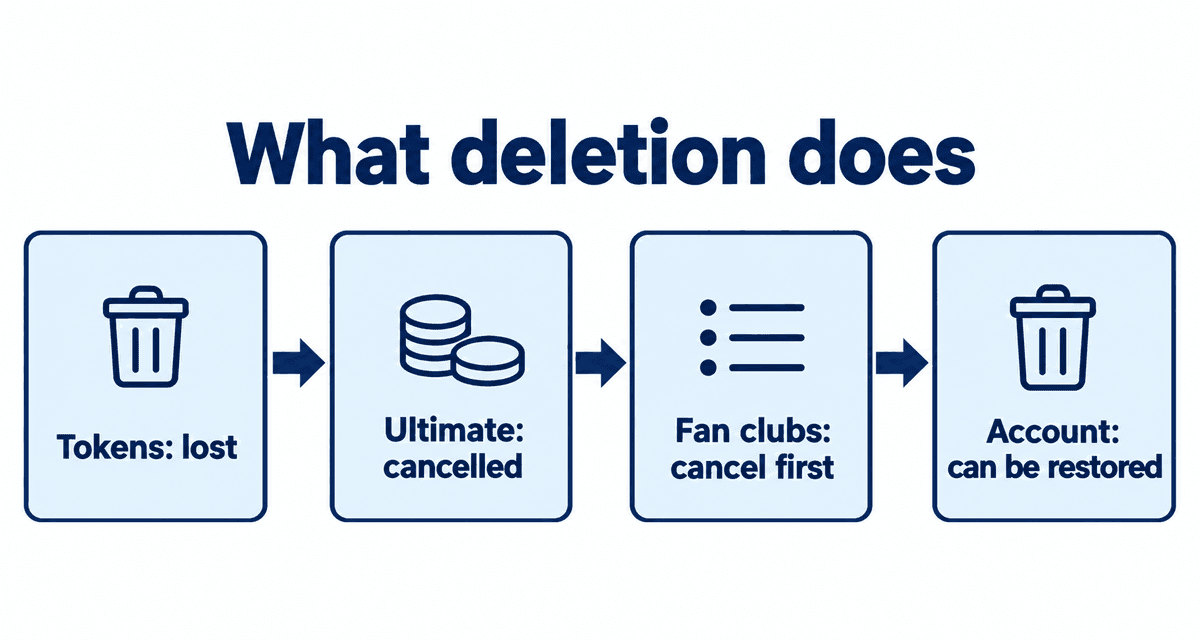
| Item | After deletion |
|---|---|
| Profile and username | Hidden from everyone |
| Leftover tokens | No longer usable |
| Ultimate membership | Cancelled with the account |
| Fan clubs | Cancel each one yourself first, to be safe |
| Messages and history | May not come back even if you restore the account |
To check for anything that still charges you, open your profile from your avatar and look at the My subscriptions tab. Make sure Ultimate and every fan club are cancelled before you delete.
Taking a break without deleting
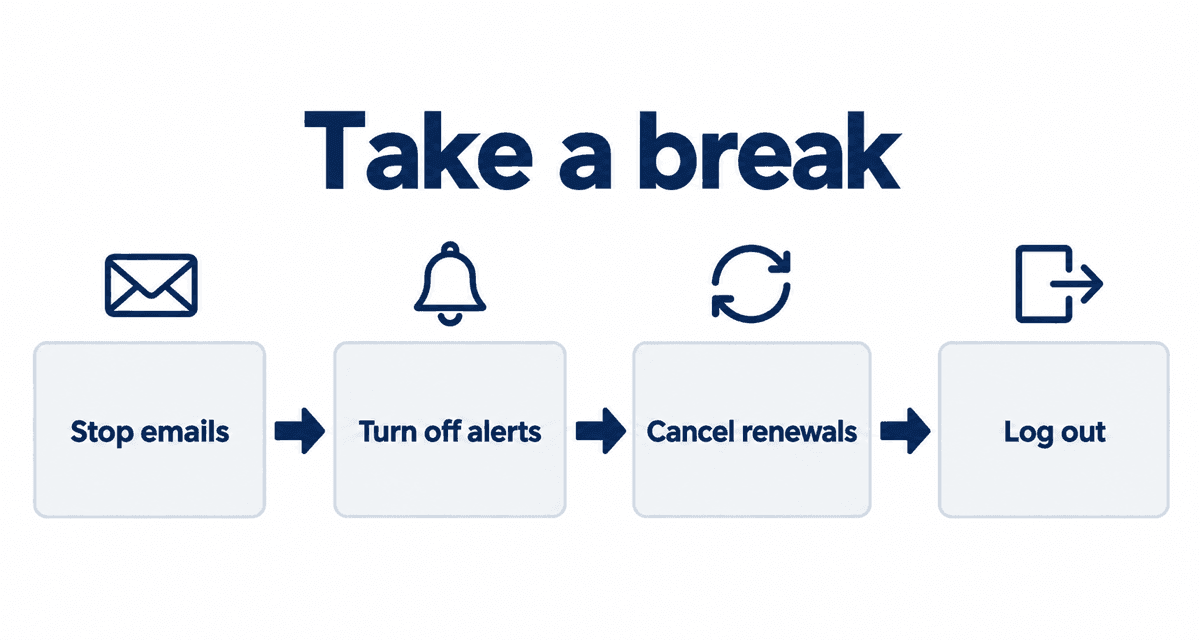
If you only want to stop for a while, you do not need to delete anything. Deleting can lose tokens and history, so try these first:
- Stop marketing emails in your email settings.
- Turn off go-live notifications with the bell on each favorite.
- Cancel Ultimate and any fan clubs so nothing renews.
- Log out on every device and remove the home-screen icon.
Checklist before deleting
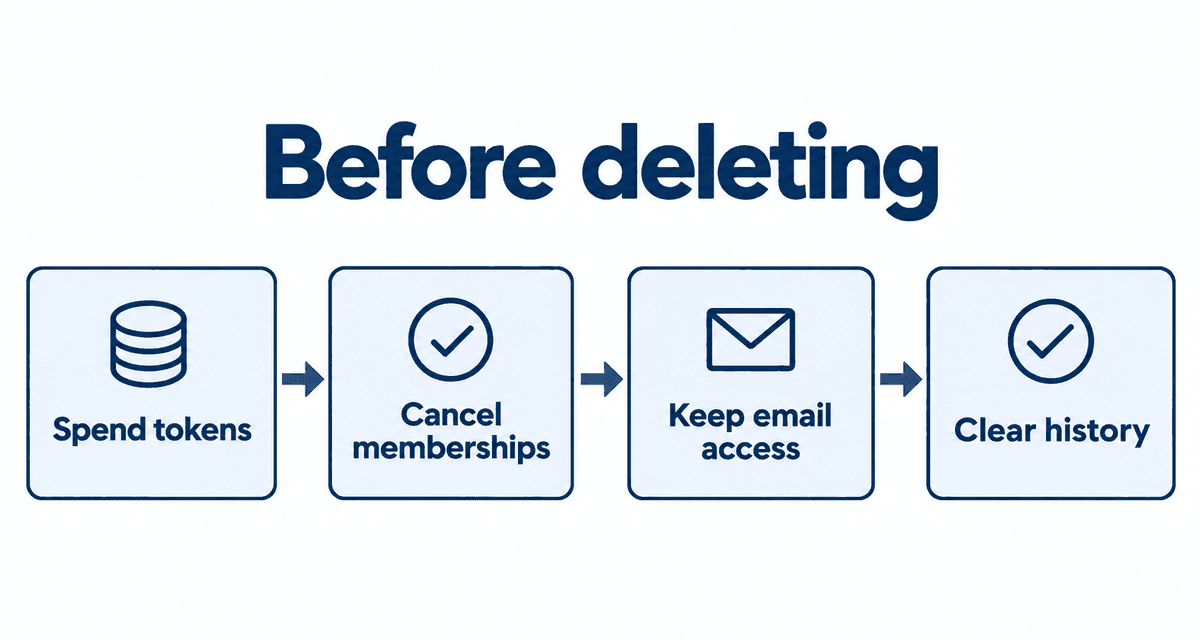
- Spend your leftover tokens; they are lost when you delete.
- Make sure Ultimate and every fan club are cancelled.
- Keep access to your email; you need it to restore the account.
- Clear your browser history and home-screen icon if privacy matters.
After you delete
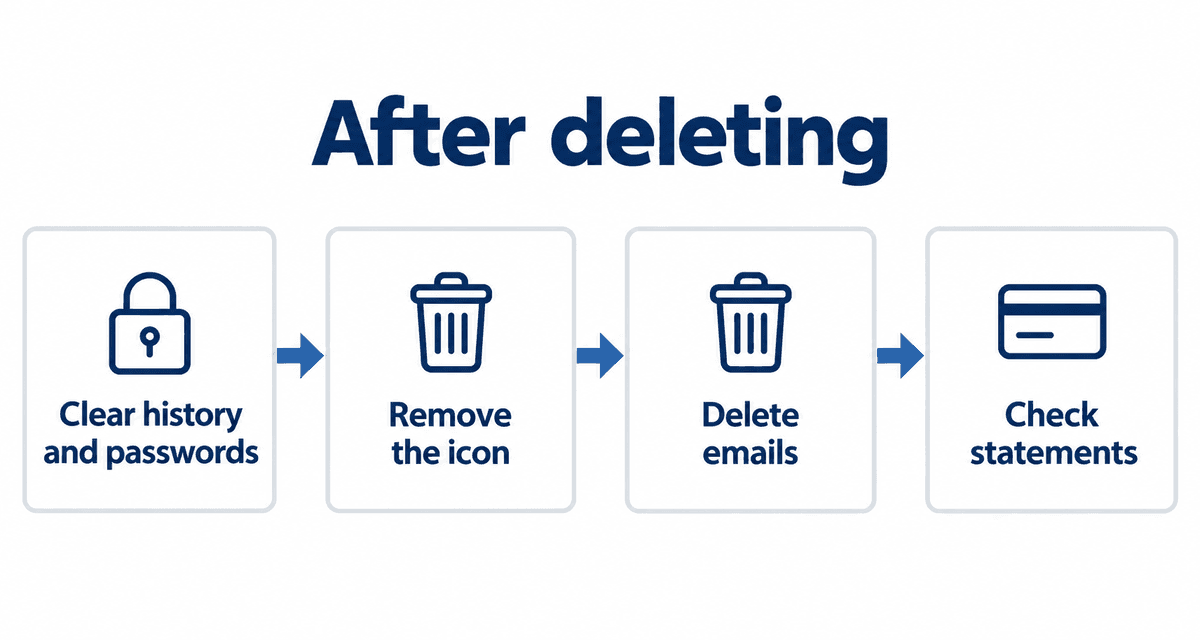
- Clear your browser history and any saved password.
- Remove the home-screen icon from your phone.
- Delete Stripchat emails from your inbox if privacy matters.
- Check next month's statement to make sure no subscription is still charging you.
If charges continue after deleting, Ultimate or a fan club may still be active. Contact support from the menu at the bottom of the page and tell your card issuer.
Common misunderstandings
| Myth | Reality |
|---|---|
| Logging out closes the account | The account stays until you delete it |
| Deleting refunds leftover tokens | Tokens are not refunded; they become unusable |
| Deleting stops every fan club | Cancel each fan club yourself first to be safe |
| A deleted account is gone for good | Logging in with the same email offers a restore option |
Live cams right now
These streams are live now. Tap one to open it on Stripchat and watch free.
FAQ
Do I get a refund for leftover tokens?
No. Tokens are lost when the account is deleted and are not restored if you bring the account back.
Do I need to delete a free account I never paid for?
No. A free account is never charged. You can still delete it the same way if you want.
Can I sign up again with the same email?
Try logging in with the same email and password first; you may be offered a way to restore the old account.
Can I restore a deleted account?
Yes. Log in with the same email and password, press Restore My Account, and click the link in the email you receive.
Will anyone be notified when I delete my account?
No. Only your own email address receives a notice.